Productivity
Metabase Reviews, Pricing, and Alternatives (January 2026)
Metabase reviews, pricing, and alternatives for January 2026. Compare Index, Tableau, Looker, Power BI, and ThoughtSpot for self-service BI without SQL barriers.

You picked Metabase because you needed dashboards yesterday. It worked great for three months. Then the questions got harder, the dashboards started hanging, and your team stopped asking because they knew they'd hit a technical wall. If you're looking at Metabase reviews and alternatives, you already know the problem. The visual builder is a mirage. We tested what actually scales when your team needs answers, not syntax.
TLDR:
Metabase is free and fast to deploy but forces SQL for complex queries, blocking self-service.
Performance degrades on large datasets; important features like embedding require enterprise pricing.
Index delivers AI-powered analysis in plain English with prebuilt SaaS metrics and instant setup.
Tableau and Looker require dedicated experts; Power BI locks you into Microsoft infrastructure.
Index offers native white-labeled dashboards and real-time collaboration without enterprise sales calls.
What is Metabase and How Does It Work?
Metabase is the default business intelligence tool for early-stage startups. The appeal is obvious. You can spin up the open-source version on a Docker container in ten minutes without talking to a sales rep. It effectively stops the ad-hoc data requests by giving non-technical teams a visual interface to ask their own questions.
It connects to standard sources like Postgres, MySQL, Snowflake, and BigQuery. Deployment decides the cost structure. You either self-host on your own infrastructure for free or pay for the managed cloud version to avoid maintenance headaches.
Why Consider Metabase Alternatives?
Metabase works until it doesn't. It fits simple reporting on a budget, but the self-service aspect is a mirage. Business users get stuck on pre-made SQL queries because they cannot blend sources inside the interface. If you need to join Stripe revenue data with Postgres user logs, you cannot do it here. You are stuck waiting for data engineering to model it upstream.
The architectural limitations create real friction as you scale:
Performance bottlenecks: Metabase queries your database directly. Without sophisticated caching, large datasets cause dashboards to hang. This often degrades production database performance.
Missing analytics: It lacks advanced analysis capabilities. You get basic aggregation, not predictive modeling or complex statistical analysis.
Rigid UI: Dashboard customization is strict. You cannot adjust column widths, freeze rows, or handle high column counts effectively. Pivot tables lag a lot when scrolling.
The final hurdle is the pricing trap. Important features like white-labeling, interactive embedding, and granular permissions are locked behind expensive Enterprise tiers. The value equation breaks down when you need thorough data blending.
Best Metabase Alternative: Index
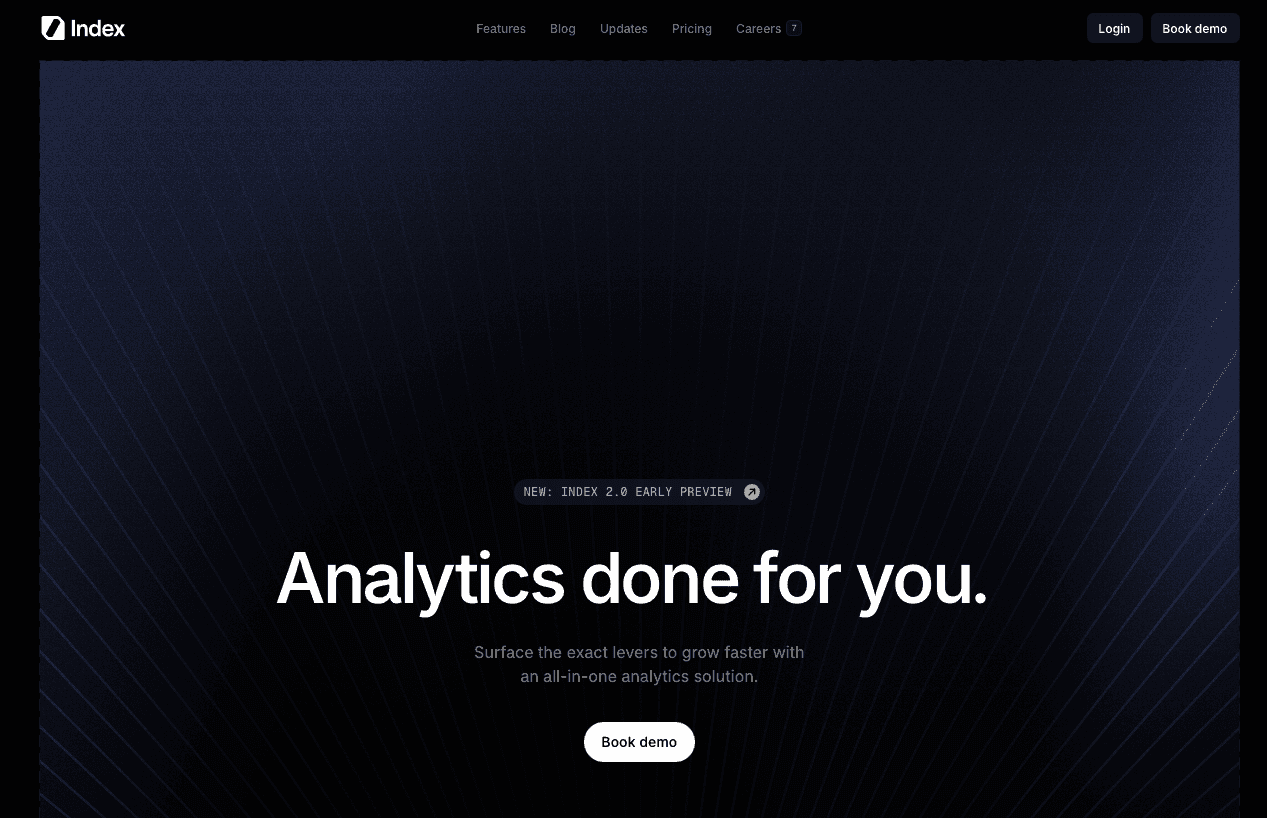
Index exists because the “ask a data analyst and wait three days” workflow no longer matches how modern teams operate. Metabase relies on a visual builder that compiles to SQL, which means non-technical users hit a wall as soon as they need multi-table joins or complex filters. Index uses AI so anyone can ask questions in plain English and receive charts, tables, and metrics instantly.
What Index brings to the table:
AI-Powered Analysis: Users ask questions in plain text, and the engine interprets context to generate the correct visualization, no SQL knowledge required.
Hybrid Interface: Index provides a Visual Explorer for point-and-click building alongside a thorough SQL editor for power users who need full control.
SaaS-Ready Metrics: Opinionated templates for churn, retention, and MRR ship out of the box so teams can start analyzing immediately instead of modeling from scratch.
Customer-Facing Dashboards: Dashboards can be white-labeled and embedded directly into customer-facing products with strict data isolation.
Good for: Tech-driven companies in the 20–500 employee range that need to move quickly, want self-serve analytics for non-technical users, and still require a powerful SQL workspace for analysts.
Limitation: Because Index optimizes for warehouse-native, AI-driven analysis, teams with heavily denormalized spreadsheets, legacy on-prem systems, or strict no-cloud policies may face additional data engineering work before unlocking its full value.
Bottom line: Index extends beyond Metabase’s visual builder by combining natural-language querying, warehouse-native performance, and SaaS-ready metrics, giving growing teams a faster path from raw data to decisions without forcing business users to learn SQL.
Tableau
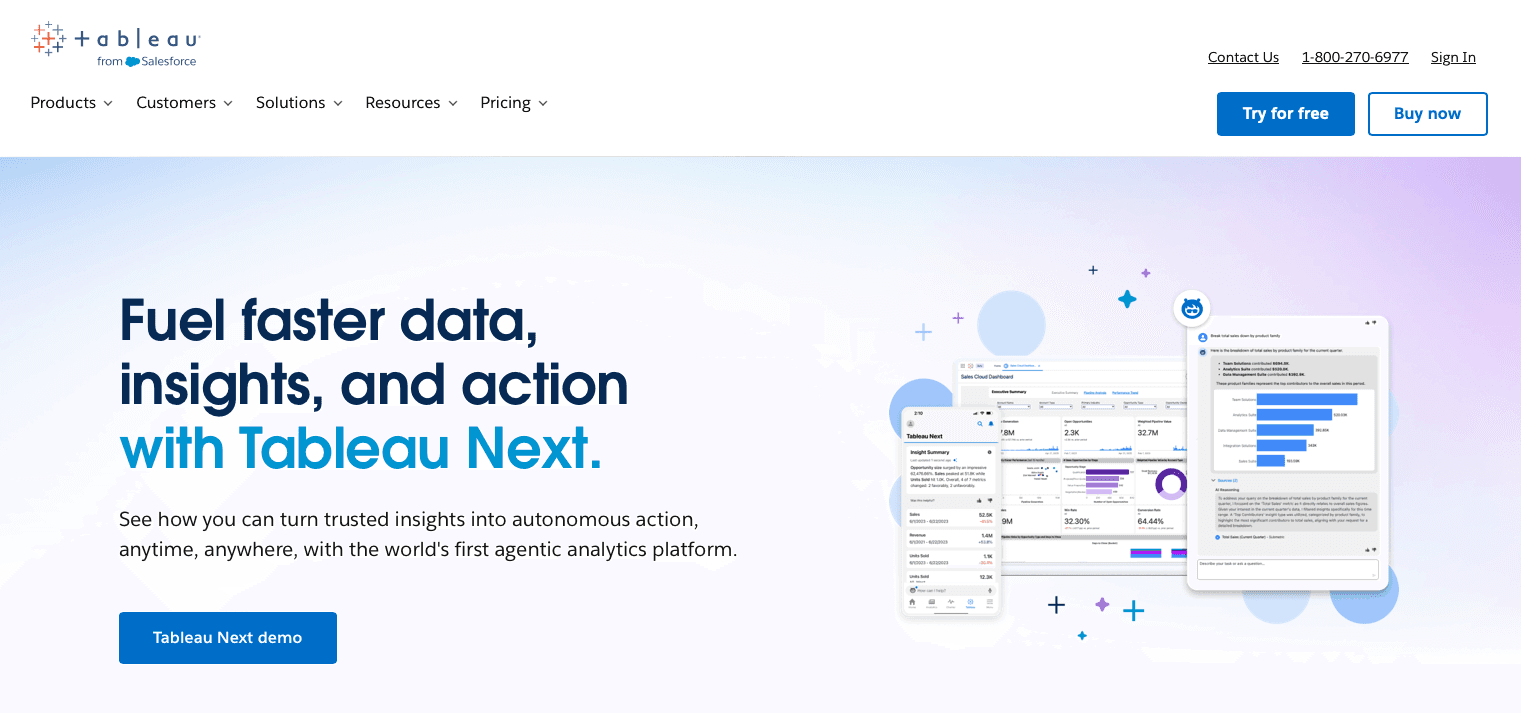
Tableau is the enterprise standard for a reason. If you need a highly specific, pixel-perfect visualization, this is the tool. It offers a depth of customization that Metabase cannot touch, including complex geospatial analytics and advanced calculation logic.
What they offer:
Massive visualization library with virtually unlimited customization options.
Thorough desktop authoring environment for heavy-duty report building.
Enterprise-grade performance on large datasets.
Good for: Data teams at large enterprises that need highly customized, pixel-perfect dashboards, advanced geospatial views, and complex calculated fields tailored to rigorous reporting requirements.
Limitation: Tableau’s steep learning curve, reliance on specialist authors, and high licensing plus infrastructure costs make it a poor fit for smaller, fast-moving teams that focus on simple, self-serve insights.
Bottom line: Tableau delivers visualization depth and enterprise scalability, but its cost and complexity mean it shines most in organizations willing to invest in dedicated BI experts and formal reporting workflows
Looker
Looker takes a governance-first approach. It is built around LookML, a proprietary modeling language that defines your business metrics in code. This makes sure that "Revenue" means the exact same thing for marketing as it does for finance.
What they offer:
LookML semantic layer for centralized, governed metric definitions.
Git-based version control for your analytics logic.
Native optimization for the Google Cloud ecosystem, in particular BigQuery.
Good for: Organizations that focus on strict governance and consistent metric definitions across teams, have a strong data engineering function, and are already invested in Google Cloud and BigQuery for their analytics stack.
Limitation: Looker’s reliance on LookML and centralized data modeling makes non-technical users dependent on engineers, slowing down self-service analytics and limiting flexibility for teams outside the Google Cloud ecosystem.
Bottom line: Its modeling overhead and dependency on specialized skills make it a heavy choice for companies that want lightweight, fast-moving self-serve analytics.
ThoughtSpot
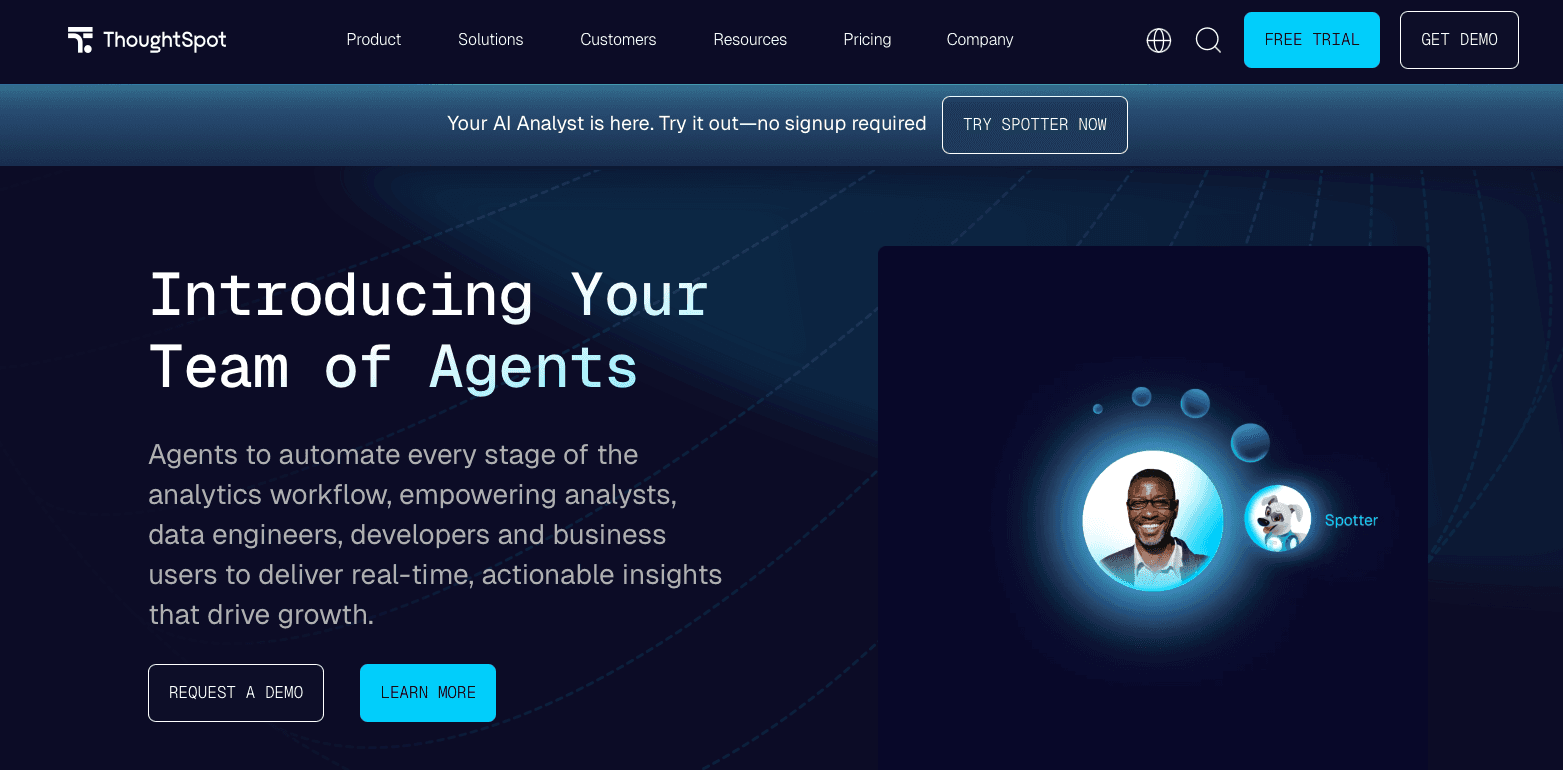
ThoughtSpot bets entirely on search. They aim to be the "Google for your data," allowing users to type keywords into a search bar to retrieve insights. It moves away from the dashboard-centric view to a more ad-hoc exploration model.
What they offer:
Keyword-driven query interface for fast data retrieval.
SpotIQ automated insights that surface anomalies without being asked.
AI-assisted pattern detection.
Good for: Organizations that want to shift from static dashboards to search-led, ad-hoc exploration and are comfortable training business users to query data through a keyword-style interface.
Limitation: ThoughtSpot’s keyword search often requires learning specific query syntax, and its opaque, enterprise-focused pricing plus a UX that can feel less natural than full conversational AI make it harder to adopt as a truly self-serve BI layer for all users.
Bottom line: ThoughtSpot meaningfully advances search-based analytics beyond traditional dashboards, but teams seeking natural-language-style conversations with data and transparent, flexible pricing may find it only a partial step toward fully AI-native BI.
Power BI
Power BI is the default choice for anyone living in the Microsoft ecosystem. If your organization runs on Excel, Teams, and Azure, the integration here works well. It offers a low entry cost for existing Microsoft 365 users and connects to everything in that stack.
What they offer:
Deep integration with Excel and SharePoint.
Desktop-based report authoring with offline capabilities.
Low per-user licensing costs for initial adoption.
Good for: Organizations that are deeply invested in the Microsoft ecosystem using Excel, SharePoint, Teams, and Azure and want an affordable, familiar BI layer that plugs directly into their existing tools.
Limitation: Power BI’s reliance on the proprietary DAX language for advanced modeling and its Windows-only desktop authoring make it challenging for mixed-OS teams and non-technical users who need complex analytics without steep learning curves.
Bottom line: Power BI delivers cost-effective, tightly integrated analytics for Microsoft-first environments, but its DAX dependency and desktop constraints limit its appeal for companies seeking cross-platform, highly self-serve modern BI.
Preset
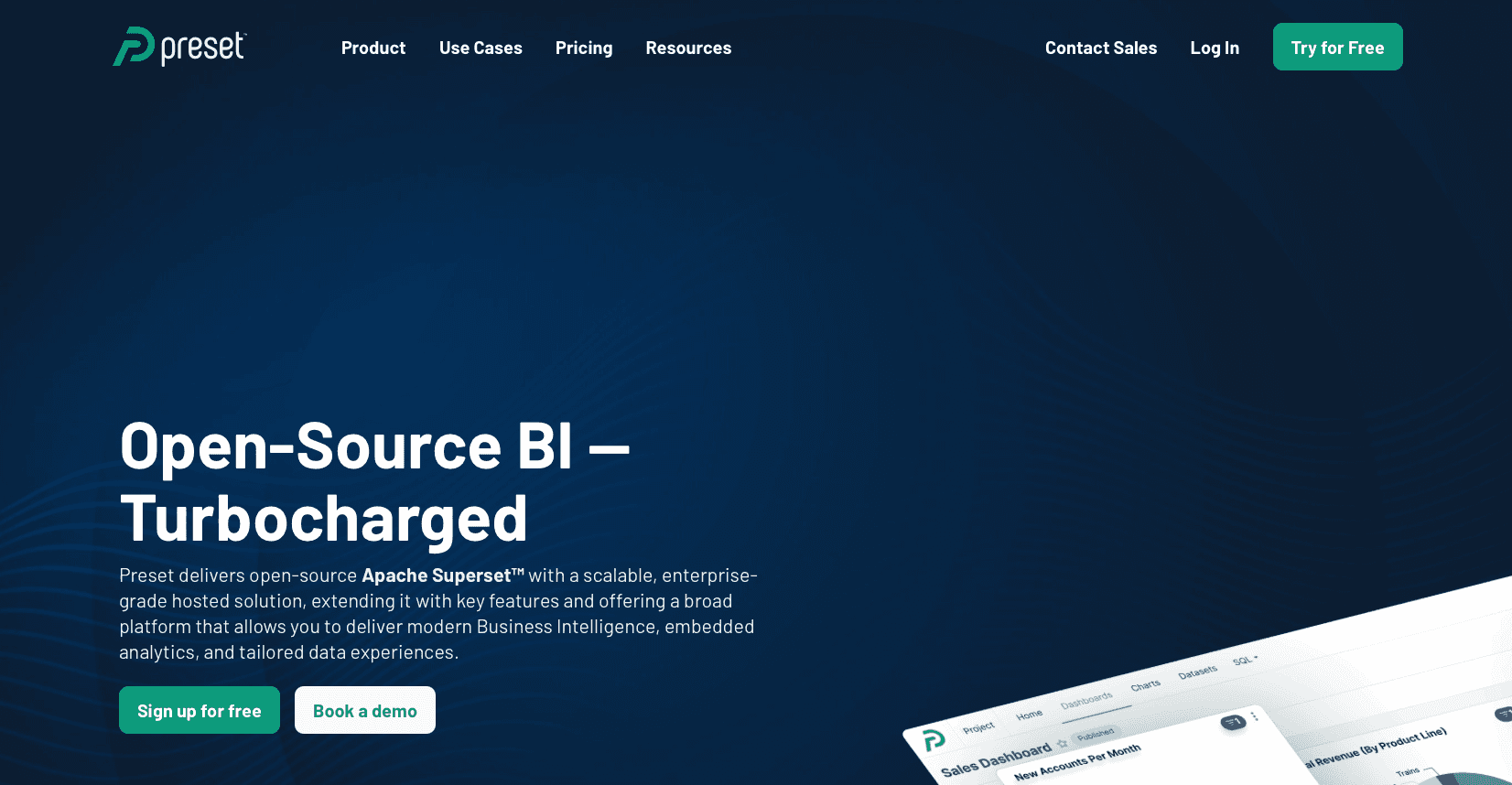
Preset is the managed version of Apache Superset. It targets the open-source crowd who wants the flexibility of code without the hassle of self-hosting. It is a SQL-first tool designed for technical teams who want full control over their visualization layer.
What they offer:
Managed hosting for Apache Superset.
Extensive visualization library with open-source flexibility.
No vendor lock-in regarding the underlying tech.
Good for: Technical data teams that prefer a SQL-first, open-source–aligned BI stack and want the flexibility of Apache Superset without dealing with infrastructure and upgrades.
Limitation: Because Preset inherits Superset’s complexity and assumes familiarity with data structures, non-technical users often struggle with the UI, and even simple visualizations can require many configuration steps, limiting true self-service adoption.
Bottom line: Preset removes the pain of hosting Superset while preserving its power and openness, but it falls short as a user-friendly analytics layer for business stakeholders who need intuitive, low-friction exploration.
Feature Comparison: Metabase vs Top Alternatives
The table below breaks down the capabilities that impact daily workflow. We compared the top contenders based on accessibility, AI, and time-to-decision.
Feature | Metabase | Index | Tableau | Looker | ThoughtSpot | Power BI | Preset |
|---|---|---|---|---|---|---|---|
AI Querying | No | Yes | Limited | Limited | Yes | Limited | No |
Prebuilt SaaS Metrics | No | Yes | No | No | No | No | No |
Setup Time | Minutes | Minutes | Weeks | Months | Weeks | Days | Days |
Visual Builder | Basic | Advanced | Advanced | Basic | Basic | Advanced | Advanced |
SQL Editor | Yes | Yes | Custom | Yes | Yes | DAX | Yes |
Embedded | Enterprise | Native | Enterprise | Enterprise | Enterprise | Native | Native |
Real-time Collab | No | Yes | No | No | No | Yes | No |
Required Skill Level | Medium | Low | High | Very High | Medium | High | High |
Why Index is the Best Metabase Alternative
Metabase promises easy data access for everyone, but many teams end up with a ticket queue and engineers acting as “human middleware” between business users and the database. You may have chosen it for open-source flexibility and quick deployment, only to find out that “free” now costs hours of engineering time each week.
Once questions move beyond simple filters, Metabase behaves like a SQL editor in disguise: the visual builder hits its limits, power users drop back into code, and non-technical teammates stop using because they repeatedly hit a technical wall.
Index is designed to remove that bottleneck. Instead of forcing users into SQL when the UI fails, Index’s AI lets anyone ask questions in plain English “Show me MRR by region” and get an immediate chart. Performance is treated as a first-class feature, avoiding the slow, hanging queries that often appear under concurrent Metabase usage.
Native embedding is built in from the start, so teams can share dashboards with customers without opaque enterprise negotiations. The result is not another complex BI suite, but a practical copilot that removes the SQL barrier and lets teams get answers in seconds instead of days.
Final Thoughts on Selecting Business Intelligence Software
You picked Metabase because it was fast and free, but now it costs you hours every week. Metabase alternatives like Index let your team ask questions in plain English and get charts without writing SQL or waiting on analysts. We handle the complexity so you can focus on decisions instead of syntax. Give it a look when you need self-service that actually works.
FAQs
Why should you consider moving away from Metabase?
Metabase hits a wall when you need to blend data sources, handle complex joins, or scale beyond basic dashboards. If your team spends more than a few hours per week writing SQL for business users or your production database slows down during peak usage, it's time to assess alternatives that handle complexity without requiring constant engineering support.
What features should you focus on when comparing Metabase alternatives?
Focus on three areas: how quickly non-technical users can get answers without SQL, whether the tool can handle concurrent queries without degrading performance, and if advanced features like embedding or granular permissions require expensive enterprise contracts. The gap between "free to start" and "usable at scale" varies wildly across tools.
How long does it take to migrate from Metabase to a new BI tool?
Setup time ranges from minutes (Index, Metabase-like tools) to months (Looker with LookML modeling). The real migration cost is rebuilding dashboards and retraining users. Tools with AI querying or prebuilt metric templates cut this down by a good margin because you're not starting from a blank slate.
Can non-technical teams actually use BI tools without SQL knowledge?
Most "visual builders" break down the moment you need to join tables or apply complex filters, forcing users back to SQL. True self-service requires either AI-powered natural language querying or a semantic layer that pre-models all your business logic. Metabase offers neither, which is why data teams become bottlenecks.
When does it make sense to pay for a managed BI solution instead of self-hosting?
If you're spending more than 5-10 hours per month on database performance tuning, version upgrades, or troubleshooting dashboard failures, managed hosting pays for itself. Self-hosting Metabase looks free until you factor in engineering time and the cost of production database slowdowns during heavy query loads.