Productivity
Preset Alternatives: Reviews, Pricing & Comparisons (January 2026)
Compare Preset alternatives in January 2026. See pricing, features, and reviews for Index, ThoughtSpot, Sigma, Hex, and Metabase to find the best analytics platform.

You're comparing Preset alternatives because the current setup isn't cutting it. Maybe your business users can't build their own charts without SQL help, or you're paying too much for limited embed viewers, or the lack of drill-downs is blocking everyone from getting answers.
This breakdown covers the real gaps in Preset, how the top alternatives handle those problems, and where each one falls short. We'll show you the January 2026 scope with actual pricing, workflow differences, and the production constraints that matter when you're trying to move fast.
TLDR:
Preset wraps Apache Superset in a managed service but forces SQL for every chart and lacks drill-downs.
Self-hosting costs a few thousand annually, but embedding adds $500/month for just 50 viewers.
Index connects to your warehouse in minutes and answers questions in plain English without SQL.
ThoughtSpot offers search-based analytics but contracts often exceed $500k annually.
Index delivers AI-powered analysis at simple per-seat pricing with secure embedding built in.
What is Preset and How Does It Work?
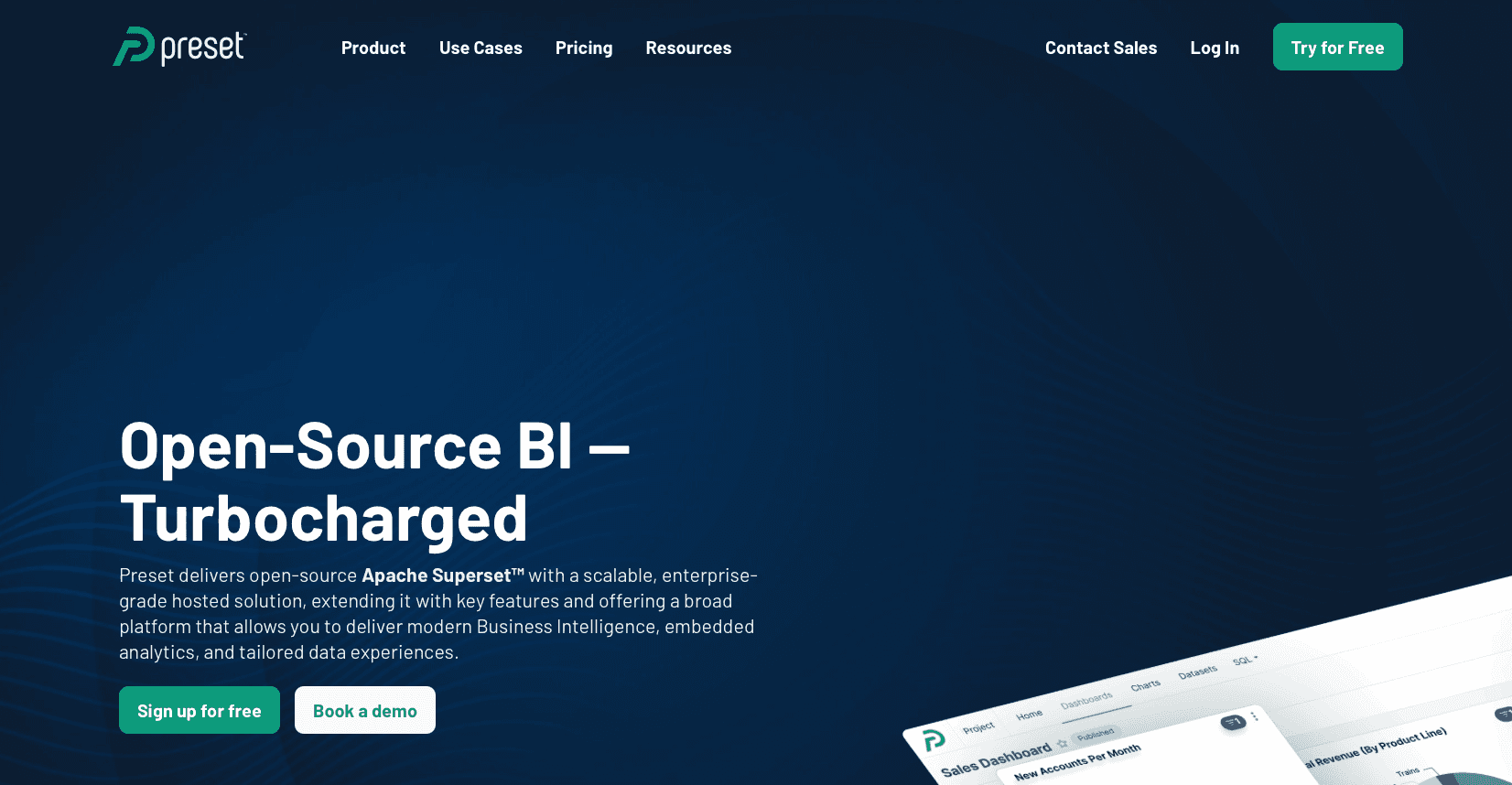
Preset is the commercial, fully managed implementation of Apache Superset, giving you hosted dashboards and visual exploration on top of SQL warehouses like Snowflake and BigQuery without running Superset yourself. It works strictly as a visualization layer, keeping data in your databases while routing queries through a SQL Lab editor for analysts and a no‑code builder for charts, plus enterprise guardrails like RBAC and SSO.
Key features
Managed Apache Superset with SQL Lab, chart builder, RBAC, and SSO on top of your existing SQL sources.
Embedding support for dashboards, with commercial plans adding hosted governance and enterprise features.
Good for:
Engineering-led teams that are comfortable defining datasets in SQL and want a hosted Superset experience instead of running open source themselves.
Limitation:
Business users rely on analysts for joins and complex logic, visual drill-down is limited, embedding can be expensive as viewers grow, and there is no native multi‑tenant, white‑label experience.
Bottom line:
Preset works when you have ample SQL capacity and simple embed needs, but its SQL dependency and UX constraints push many teams toward alternatives that focus on true self-service and scalable customer-facing analytics.
Why Consider Preset Alternatives?
Preset is great. If you have infinite data engineers. If your team maintains a perfect semantic layer and writes SQL for every single question, the visualization library works. You get granular control.
But the brutal truth? It breaks for business users. The interface is built by engineers. For engineers. Users report it is challenging to use. Standard BI interactions like drill-down are missing. You cannot click a bar to see the underlying data.
The workflow imposes rigid constraints:
Visual builder cannot join tables -> You must write SQL first.
No direct NoSQL support -> You must stage data elsewhere.
Reporting is inflexible compared to legacy tools.
Building for customers? It gets worse. Preset lacks native multi-tenancy. Embedding relies on iframes. This creates real security issues.
Then there is the price. Self-hosting is cheap, costing a few thousand annually. But embedding is expensive. You pay an additional $500 monthly for just 50 viewers. If you scale, the math stops working.
Best Preset Alternatives in January 2026
Here is the ranked list of alternatives based on our research and market analysis.
Index (Best Overall Alternative)
Index is an AI-powered analytics software that connects to your warehouse and SaaS tools, then lets users ask questions in plain English while the system generates SQL, runs it, and returns charts and tables automatically. Instead of forcing a semantic layer before value, Index layers a semantic model and guardrails on top of your connections so data teams can define metrics once while everyone else self-serves.
Key features
Natural language querying that produces syntactically correct SQL and visualizations over warehouses and SaaS data.
Built-in dashboards, secure embedded analytics, and a semantic layer so metrics are defined centrally but used freely.
Good for: Tech-driven teams (roughly 20–500 employees) that need fast, AI-assisted insights from their warehouse without routing every request through a data engineer.
Limitation: Requires reasonably structured data models; truly messy or siloed data still needs upstream work before any BI tool can deliver high‑quality answers.
Bottom line: Index delivers Preset-style warehouse connectivity plus AI-driven analysis, eliminating the SQL requirement and iframe constraints so both internal stakeholders and customers can use data safely and quickly.
ThoughtSpot
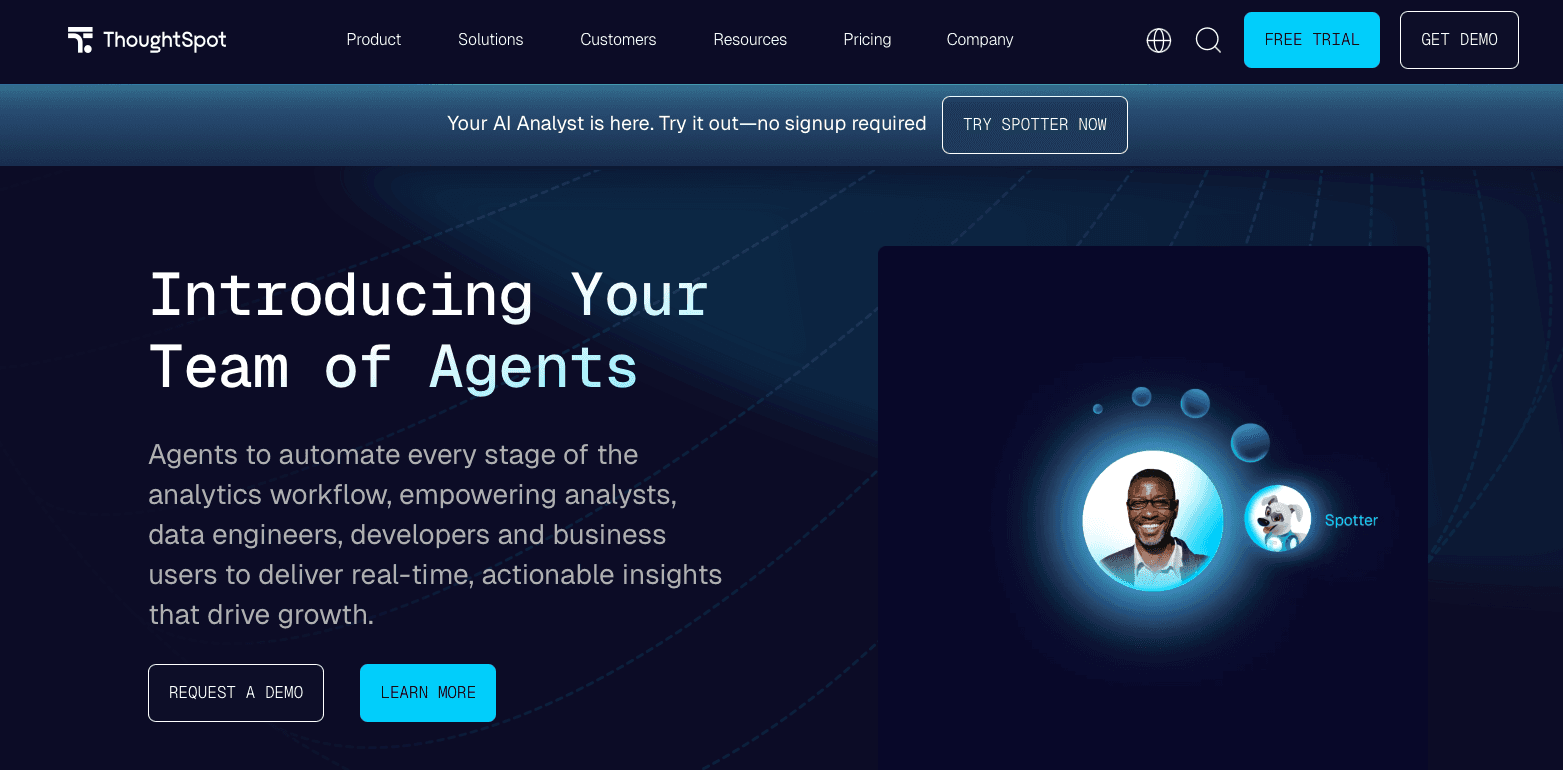
ThoughtSpot focuses on search-based analytics, allowing users to type questions into a search bar that resolves into queries and charts over curated data models. It governed enterprise deployments, often with large contracts and a lot of data engineering investment.
Key features
Natural language-like search interface that maps queries to analytics over modeled data.
Strong enterprise features for governance and large-scale deployments.
Good for: Large enterprises with the engineering budget to curate pristine datasets and support high contract values for search-driven BI.
Limitation: Total cost of ownership is high, contracts can reach hundreds of thousands per year, and performance depends heavily on up-front modeling quality, making it impractical for many growth‑stage companies.
Bottom line: ThoughtSpot offers powerful search-based analytics at an enterprise price point, while Index provides similar AI querying capabilities with simpler per-seat pricing better suited to mid-market teams.
Sigma Computing
Sigma puts a spreadsheet-like interface on top of live warehouse data, generating SQL from grid operations so spreadsheet users can analyze Snowflake or BigQuery without writing code. Pricing typically starts around $300 per month with variations by users and features.
Key features
Excel-style grid UI that auto-generates SQL against warehouses like Snowflake, BigQuery, and Redshift.
Live querying model that keeps dashboards and worksheets synced with current warehouse data.
Good for:
Operations-heavy teams whose primary analytics muscle memory is spreadsheets and who already run on a well-modeled cloud warehouse.
Limitation:
Complex analysis and governance still require SQL or deep schema understanding, and live-query behavior can drive up compute costs as users filter and pivot large datasets.
Bottom line:
Sigma is strong for spreadsheet natives on clean warehouses, but Index removes the spreadsheet ceiling by letting non‑technical users ask questions directly and optimizing query patterns to avoid runaway warehouse costs.
Hex
Hex is a collaborative notebook software that combines SQL, Python, and visualization cells, catering to data scientists and analytics engineers who prefer code-first workflows. Teams use it to build complex analyses and turn them into internal apps that stakeholders can tweak via parameters.
Key features
Notebook interface blending SQL, Python, and visual outputs for advanced analytics.
Sharing and app features so analyses can be deployed as interactive internal tools.
Good for:
Data science and analytics teams that want a modern, code-centric workspace for modeling, experimentation, and internal tools.
Limitation:
Non-technical users still rely on analysts to build and modify notebooks, so it does not solve the self-service bottleneck for the broader organization.
Bottom line:
Hex excels for code-heavy analytics, whereas Index gives both technical and non-technical users a shared AI interface over the same data and metrics.
Metabase
Metabase is a widely used open-source BI tool that offers a simple query builder and dashboards over databases and warehouses, with a hosted cloud version for teams that do not want to manage infrastructure. It is a common entry point for early-stage startups due to its low cost and straightforward setup.
Key features
Visual query builder and dashboarding for common SQL data sources.
Open-source core plus paid cloud tiers that add SSO and governance.
Good for:
Early-stage teams needing basic reporting and dashboards with minimal upfront spend.
Limitation:
Governance and advanced modeling are limited in the free tier, and organizations often outgrow its self-service and scalability as data complexity and user counts rise.
Bottom line:
Metabase is great for day-one analytics, but as you scale, tools like Index provide stronger AI assistance, semantics, and embedding needed for production-grade internal and customer-facing analytics.
Feature Comparison: Preset vs Top Alternatives
Most preset reviews gloss over the production reality. Because the tool is essentially managed Apache Superset, you inherit the open-source power but also the massive usability debt.
Here is how the functional scope compares across preset alternatives:
Feature | Preset | Index | ThoughtSpot | Sigma Computing | Hex | Metabase |
|---|---|---|---|---|---|---|
NLP / AI Query | No | Yes | Yes | No | Limited | No |
No-Code Builder | Yes | Yes | No | Yes | Limited | Yes |
SQL Editor | Yes | Yes | Limited | Yes | Yes | Yes |
Real-Time Collab | Limited | Yes | Yes | Yes | Yes | Limited |
Multi-Table Joins | No | Yes | Yes | Yes | Yes | Yes |
Drill-Downs | No | Yes | Yes | Yes | Yes | Yes |
Setup Time | Weeks | Minutes | Weeks | Days | Days | Hours |
Pricing Model | Per user + Embed fees | Simple per-seat | Custom ($500K+) | Custom quote | $75/user/mo | Free / $85/mo+ |
The Critical Gaps
The brutal truth? Preset is rigid.
SQL Dependency: You cannot join tables in the visual layer. Every minor adjustment forces you back to the SQL editor.
Zero Drill-Down: Business users hit a wall immediately. They cannot click through to see the "why" behind a metric.
Embed Limitations: Preset pricing is attractive for basic iframes. But if you need white-labeled interactivity, the technical debt spikes.
If you want cheap charts, Preset works. If you need answers without a data engineer in the loop, you need an alternative that focuses on self-serve exploration.
Why Index is the Best Preset Alternative
Preset is a viable choice if you have a dedicated team of engineers who prefer writing SQL for every chart request. It gives you the raw power of Apache Superset without the server maintenance.
But for most teams, the tool is challenging to use.
We built Index to fix the bottleneck Preset creates. Preset demands weeks of setup to define a semantic layer. Index connects to your data in minutes. You do not need to model everything first. You ask a question. Unlike expensive search-based analytics tools like ThoughtSpot, Index offers this AI capability at a simple per-seat price.
The difference in workflow is brutal:
Preset → Write SQL. Define dataset. Build chart.
Index → Ask question. Get answer. Drill down immediately.
Then there is Preset pricing. They charge expensive fees for limited iframe access that creates security issues. We built embedding as a core feature with per-customer data isolation standard. If you want to move fast without a data engineer in the loop, Index is the clear choice.
Final Thoughts on Selecting Your Analytics Stack
Preset pricing looks attractive until you calculate engineer hours spent writing SQL for every request. The real expense is velocity, not subscription fees. Index removes the SQL dependency so your team can ask questions and get answers immediately. Check it out if bottlenecks are costing you more than tooling.
FAQs
Why should you consider moving away from Preset?
Preset works if you have data engineers writing SQL for every chart request, but it breaks for business users who need self-service analytics. The interface lacks basic drill-down capabilities, forces you back to SQL for table joins, and charges expensive embedding fees that scale poorly beyond 50 viewers.
What features should you focus on when comparing Preset alternatives?
Look for natural language query support so non-technical users can ask questions without SQL, native multi-table joins in the visual builder, real drill-down capabilities, and secure embedding without iframe limitations. Setup time matters too – tools that require weeks of semantic layer work upfront create the same bottleneck Preset does.
How long does it take to set up Index compared to Preset?
Index connects to your warehouse in minutes and lets you start asking questions immediately without building a semantic layer first. Preset requires weeks of setup to define datasets and prepare SQL before business users can build their first chart.
When does Preset pricing become a problem?
Self-hosting Preset costs a few thousand annually, but embedding dashboards adds $500 monthly for just 50 viewers. If you need customer-facing analytics that scale beyond basic iframe embeds, the math stops working quickly compared to tools with native multi-tenancy and simple per-seat pricing.
Can Index handle the same data sources as Preset?
Yes – Index connects directly to SQL warehouses like Snowflake, BigQuery, and Redshift, plus SaaS tools like Stripe and Salesforce. The difference is you can query across sources using plain English instead of writing SQL in a separate editor first.