Productivity
Best Fast Business Intelligence Platforms for Instant Query Results (January 2026)
Compare the fastest business intelligence platforms in January 2026. Find BI tools that deliver sub-second query results, real-time analytics, and instant dashboards.

Most BI dashboards break your flow. You filter, you wait, you forget what you were looking for. Responsive business intelligence removes that friction by delivering answers in under a second. Speed isn't a luxury. It's what keeps teams using data instead of abandoning it.
TLDR:
Slow dashboards kill exploration; fast BI tools deliver results in under 1 second to keep users analyzing
Index executes queries directly in your warehouse for instant answers via plain English questions
Legacy tools like Tableau and Looker trade speed for control, creating weeks of setup overhead
Performance depends on architecture: columnar processing, smart caching, and warehouse push-down matter most
Index combines natural language querying with real-time collaboration and zero-config setup
What Are Performance-Optimized Business Intelligence Tools?
Most dashboards are too slow. You click a filter, wait, and lose your train of thought. Fast BI tools fix this friction by delivering quick query results instantly. Responsive business intelligence minimizes the latency between question and answer.
If a dashboard takes 30 seconds to update, stakeholders stop using it. Speedy dashboards keep users in the flow.
High-performance analytics tools achieve this through specific engineering:
Columnar processing organizes data for rapid aggregation instead of row-based scanning.
Intelligent caching stores frequently accessed results to bypass re-computation.
Pre-aggregated metrics calculate complex KPIs upfront so users don't wait on math.
How We Ranked Performance-Optimized BI Tools
Marketing claims don't load dashboards. Architecture does. We ignored the sales pitch to focus purely on speed mechanics.
Users abandon analytics that break the 1 second threshold for uninterrupted thought.
Our ranking relies on these technical factors:
Processing Architecture: Usage of in-memory processing or columnar storage to cut scan times.
Caching: Storing recent queries to bypass redundant computation.
Concurrency: Stability when multiple users hit the database simultaneously.
NLQ Latency: The exact time from natural language input to visualized answer.
Best Overall Performance-Optimized BI Tool: Index
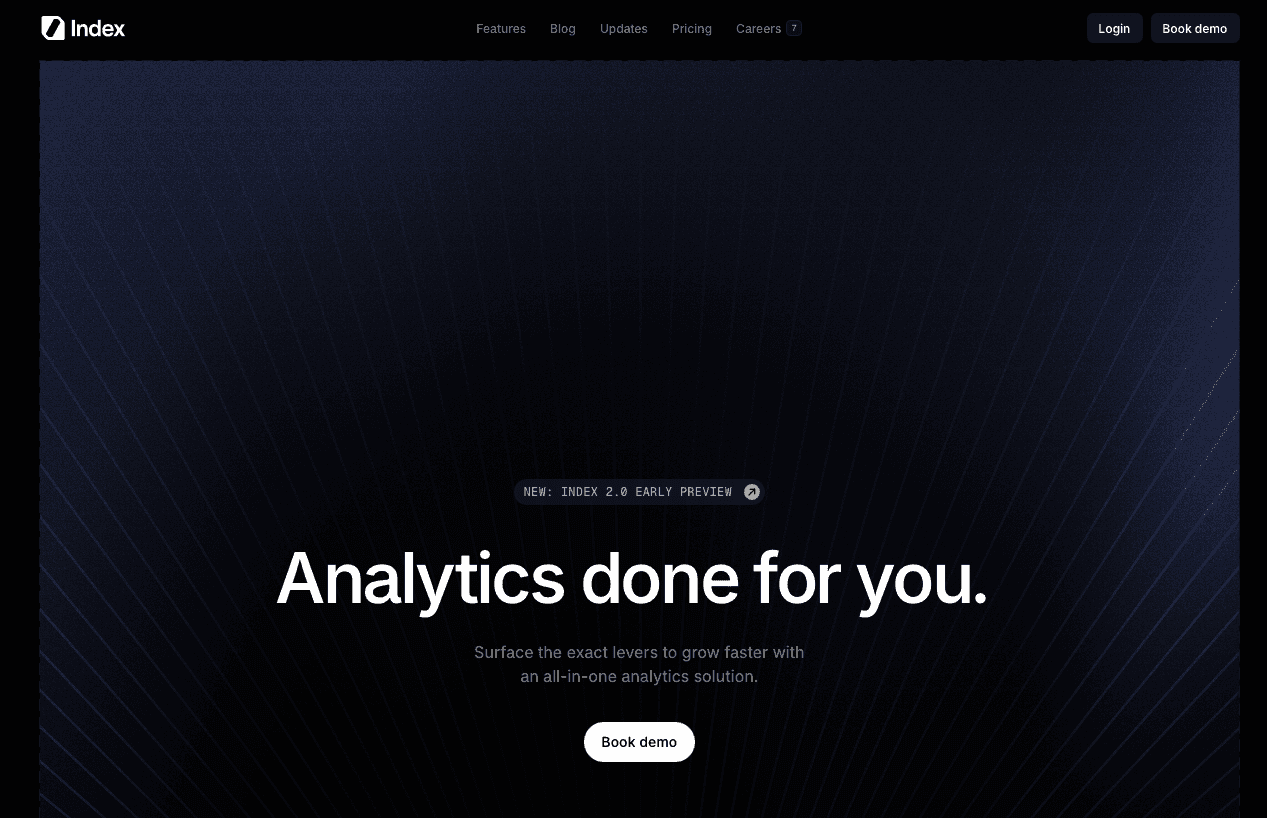
Index was built on the premise that waiting for data kills focus. Legacy tools often force users to stare at spinners every time they filter. Index removes this friction by delivering quick query results when users ask questions in plain English. Users get charts in seconds without complex SQL overhead.
What They Offer
Direct Warehouse Push-down: Index connects natively to Snowflake, BigQuery, Redshift, and ClickHouse, using warehouse compute for high-performance analytics instead of adding a slow middle layer.
Zero-Latency AI: The engine translates natural language to SQL immediately.
Real-time Collaboration: Multiple users can query and edit simultaneously without the system hanging.
Pre-built Metrics: SaaS KPI templates are available on day one, so teams do not spend weeks modeling data.
The core philosophy is straightforward: if a dashboard takes 30 seconds to load, users stop using it. Index delivers responsive business intelligence by focusing on snappy interactions, letting teams iterate on questions and drill into churn or revenue without downtime.
Good for: Index is well-suited for fast-moving SaaS and analytics teams that need sub-second, warehouse-native dashboards so business users can ask follow-up questions in natural language without breaking their flow.
Limitation: Because Index depends on modern cloud data warehouses and predefined metrics, organizations with heavily fragmented data sources or bespoke, non-SQL systems may need additional engineering work before they see full value.
Bottom line: We remove bottlenecks. Index combines speedy dashboards with an interface that needs zero training, keeping your analysis moving as fast as your business.
Tableau
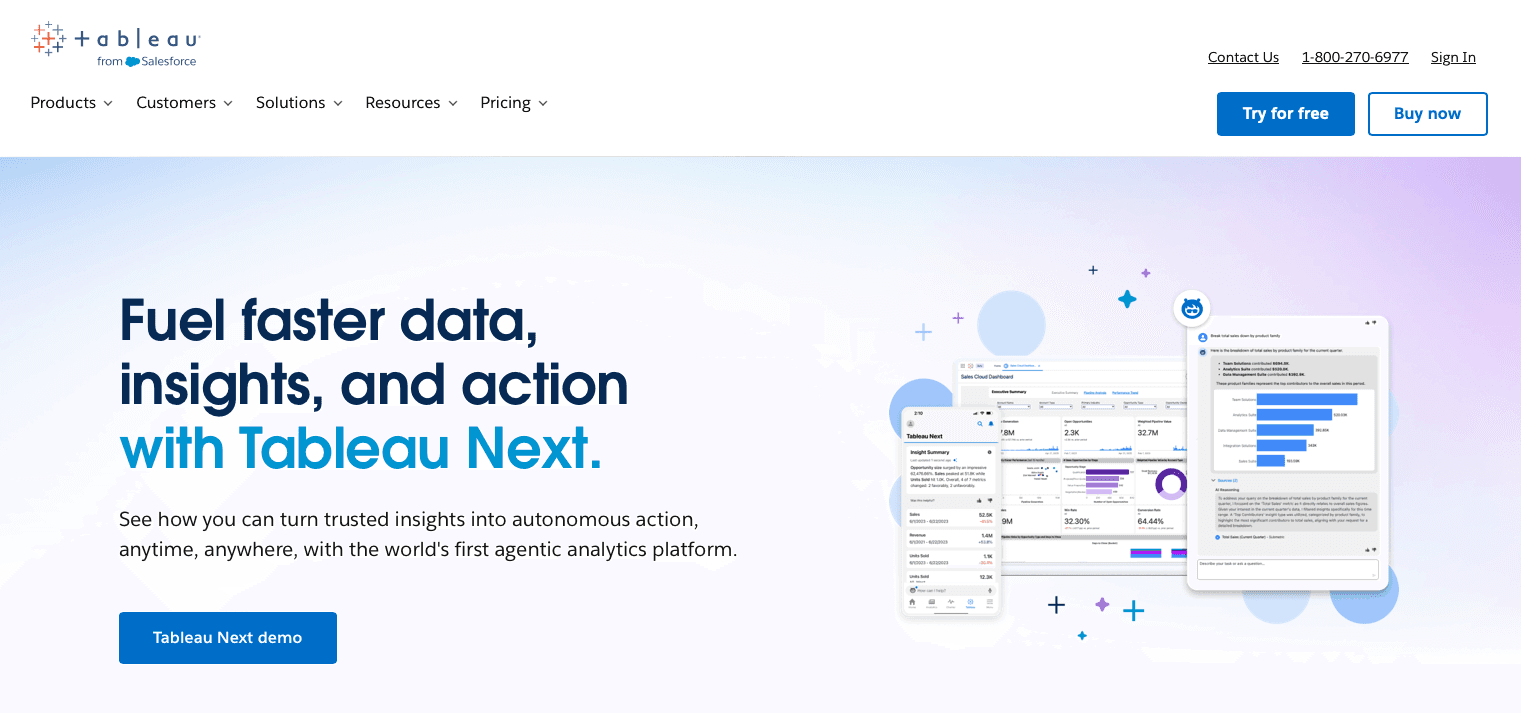
Tableau is the visualization standard. It pioneered drag-and-drop. If you need pixel-perfect charts, it works.
What They Offer
Deep Customization: Infinite tweaking capabilities for visuals.
Legacy Standard: The default for Fortune 500 data teams.
Connectivity: Hooks into practically any database.
Good for: Large teams valuing formatting over speedy dashboards. Best for static reporting where latency matters less.
Limitation: It is slow. Dashboards crawl. The architecture creates massive friction. Unlike responsive business intelligence tools, performance degrades instantly with complexity. It also lacks a native text-to-SQL interface.
Bottom line: Excellent visual control. Terrible for quick query results or real-time exploration.
Looker
Looker demands you define every metric in LookML before visualizing a single row. It focuses on strict governance over quick query results, turning analytics into a software engineering workflow.
What they offer
LookML Semantic Layer: Centralizes metric definitions so numbers match across the board.
Git Integration: Manages data models with version control.
Governed Metrics: Maintains consistency across enterprise reports.
Good for: Organizations with massive engineering teams. If you value control over speedy dashboards, this fits.
Limitation: The barrier is brutal. You must learn a proprietary language to ask a question. Business users wait for modeling updates instead of getting responsive business intelligence.
Bottom line: Looker creates bottlenecks. It trades agility for control.
Power BI
Power BI is everywhere. You likely own it via Office 365. It focuses on ecosystem integration over raw speed.
What They Offer
Microsoft Integration: Tightly coupled with Excel and Azure.
Cost Efficiency: Cheap licensing bundled with Enterprise Agreements.
Hybrid Workflow: Desktop app authoring. Cloud publishing.
Good for: Microsoft-centric organizations committed to the Azure stack.
Limitation: It gets heavy. Creating speedy dashboards requires mastering DAX. That is a complex proprietary language. Performance struggles with large datasets unless you buy expensive Premium capacity. Desktop files create version control headaches. It lacks the snap of cloud-native responsive business intelligence.
Bottom line: Power BI offers affordable, deeply integrated analytics for Microsoft-first enterprises, but its reliance on DAX, desktop workflows, and premium SKUs makes it less ideal for teams seeking fast, cloud-native, self-serve BI at scale.
ThoughtSpot
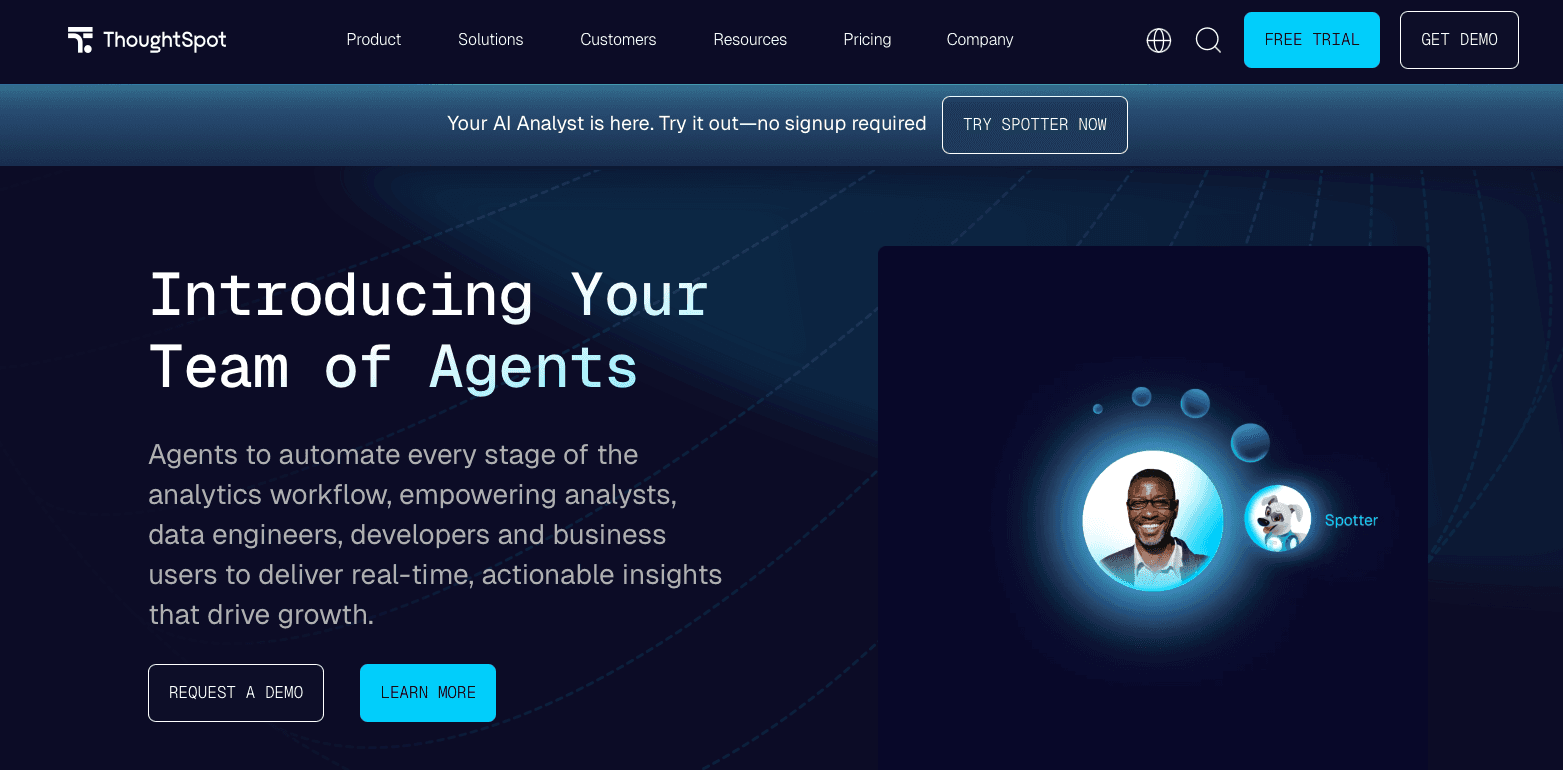
ThoughtSpot markets itself as a search-driven analytics tool.
What They Offer
Keyword-based search bar.
AI query suggestions.
Embedded analytics.
Good for: Teams seeking fast BI tools via search instead of filters, provided they have resources for heavy indexing maintenance.
Limitation: The search bar is deceptive. It demands extensive backend configuration. You must manually tune indexes and synonyms. If the semantic layer isn't perfect, quick query results fail. Keyword matching breaks on complex logic. There is no visual builder. You type, or you are stuck. It lacks the flexibility of responsive business intelligence.
Bottom Line: A familiar interface with a high tax. Index provides natural language querying plus visual exploration, delivering speedy dashboards without the search index dependencies.
Mode Analytics
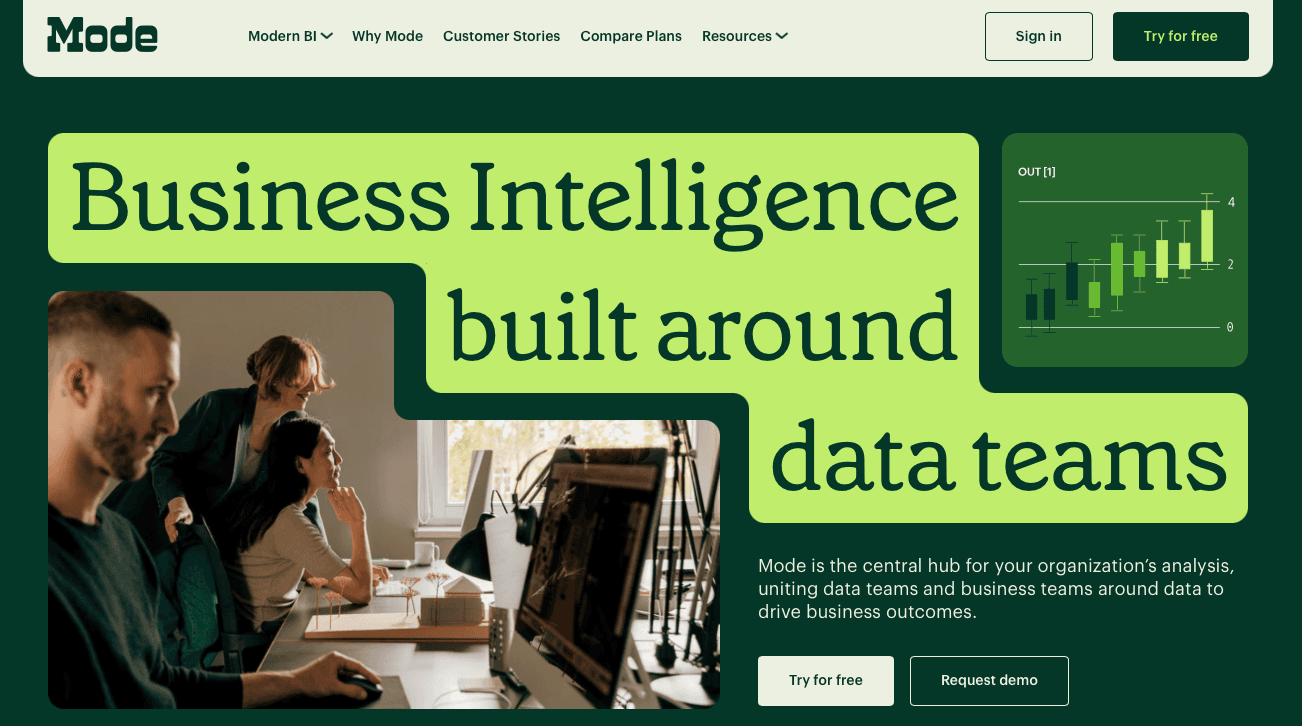
Mode acts as a data science notebook. It focuses on raw code over speedy dashboards, targeting technical teams who prefer SQL to visual builders.
What They Offer
SQL Notebooks for code-first ad-hoc querying
Python & R Integration for statistical modeling
Git-like version control for code management
It works for analysts living in code. But it blocks business users. You cannot get quick query results without SQL skills. It lacks the optimization required for high-performance analytics because it runs raw queries every time. This is not responsive business intelligence.
Good for: Technical analytics teams that live in SQL and notebooks, need tight Python and R workflows, and value code review and version control over point-and-click dashboarding.
Limitation: Mode’s code-first design leaves non-technical stakeholders dependent on analysts, and raw query execution on each run limits the kind of snappy, high-performance BI experience business users expect from modern, cache-optimized tools.
Bottom line: A developer environment. Index offers analysts SQL control while giving business users fast BI tools through chat.
Metabase
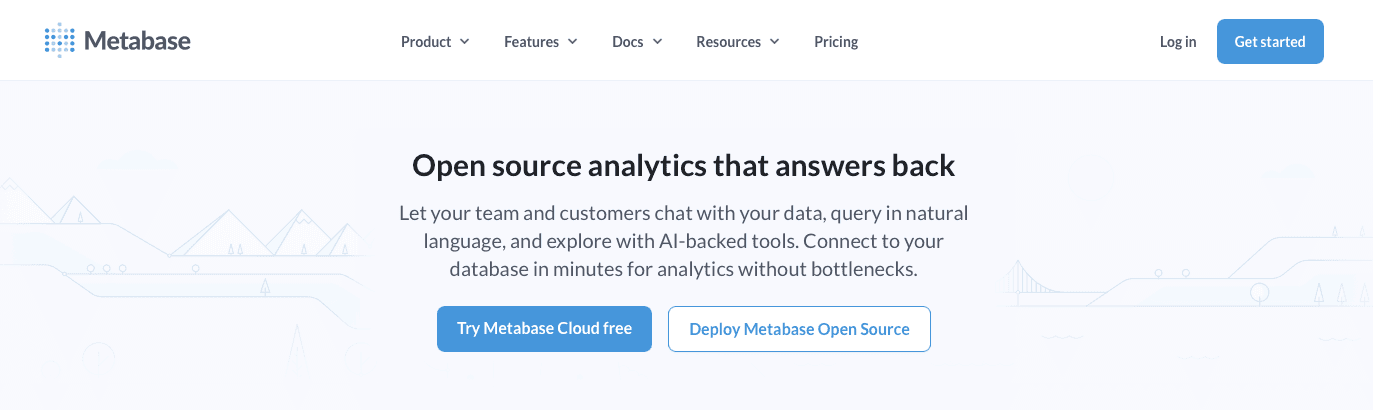
Metabase is the open-source default. Spin it up via Docker. Costs nothing but server fees.
What They Offer
Self-Hosted Control: Your infrastructure.
Visual Builder: Simple UI.
Community Edition: Free core.
Good For: Bootstrapped startups. Zero budget, spare engineering cycles.
Limitation: It isn't free. You pay in maintenance. Metabase lacks the optimization engines required for high-performance analytics. Speedy dashboards crawl under load. No smart caching. You also miss responsive business intelligence features.
Bottom line: Great for Day 1. Painful for Day 100. It struggles to deliver quick query results at scale. You manage servers to simulate fast BI tools.
Feature Comparison Table of Performance-Optimized BI Tools
Comparing feature lists rarely reflects daily usage. We ranked these tools based on the friction between a user asking a question and getting an answer.
Tool | Query Latency | Time to Insight | Natural Language | Collaboration |
|---|---|---|---|---|
Index | Instant | Minutes | Native | Real-time Multiplayer |
Tableau | Slow | Weeks | Limited | Static Publishing |
Looker | Medium | Months | None | Git-based |
Power BI | Medium | Weeks | Add-on | Desktop Dependent |
ThoughtSpot | Fast | Weeks | Search | Comments |
Mode | Slow | Days | None | Code Notebooks |
Metabase | Slow | Minutes | None | Basic |
Why Index Is the Best Performance-Optimized BI Tool
Legacy tools punish curiosity. Every second spent staring at a loading spinner is a second you aren't solving problems. Index is built for high-performance analytics that actually keep up.
Speed changes behavior. When quick query results appear instantly, you ask more questions. Slow tools make you settle for the first answer. We focus on speed and ease of use because if a tool feels heavy, teams revert to spreadsheets.
Most fast BI tools demand heavy engineering or strict semantic modeling. We removed that friction. You do not need SQL. You do not need to manage servers. Index make sure that speedy dashboards are the standard so you can use responsive business intelligence without the IT backlog.
Final Thoughts on Performance in Business Intelligence
Speed determines whether your team actually uses analytics or just talks about it. Responsive business intelligence keeps people in the flow instead of breaking their concentration every time they filter. Most legacy tools sacrifice performance for features nobody needs. If your dashboards feel sluggish, find something built for instant answers.
FAQs
How do I choose the right performance-optimized BI tool for my team?
Match the tool to your team's technical depth and speed requirements. If you have non-technical users who need instant answers, pick tools with natural language querying and minimal setup. If you have dedicated data engineers and value strict governance over speed, semantic-layer tools like Looker fit better.
Which fast BI tool works best for teams without SQL skills?
Index and ThoughtSpot both offer natural language interfaces, but Index requires zero backend configuration while ThoughtSpot demands extensive synonym tuning and index maintenance. For truly non-technical teams, Index delivers quick query results without the overhead.
What causes most BI dashboards to load slowly?
Three architectural bottlenecks kill speed: row-based data scanning instead of columnar processing, lack of intelligent caching that forces redundant computation, and middle-layer extracts that copy data instead of pushing queries directly to your warehouse. Tools that execute queries in-warehouse consistently outperform those that move data around.
When should I switch from an open-source tool like Metabase to a commercial BI software?
Switch when dashboard load times exceed 10 seconds or when you're spending more than 5 hours per week on server maintenance and performance tuning. Open-source tools work for early prototypes but lack the caching and optimization engines required for responsive analytics at scale.
Can I get real-time collaboration in traditional BI tools like Tableau or Power BI?
No. Tableau relies on static publishing workflows, and Power BI requires desktop file management that creates version control conflicts. Real-time multiplayer editing where teams use data simultaneously only exists in cloud-native tools built for concurrent access.