Productivity
Sigma Computing Reviews, Pricing, and Alternatives (January 2026)
Sigma Computing pricing starts at $300/mo but pushes compute costs to your warehouse. Compare reviews, features, and alternatives like Index in January 2026.

You're looking at Sigma pricing and trying to figure out if the $300 per month starting point makes sense for your team. The answer depends on your warehouse setup and how much compute you're willing to push through Snowflake or BigQuery. This post breaks down what you actually get at each tier, what real users report in reviews, and which alternatives give you similar capabilities without locking you into the live query model.
TLDR:
Sigma Computing offers live cloud warehouse querying through a spreadsheet UI starting at $300/mo
Sigma's live query model pushes compute costs to your warehouse, spiking bills with each dashboard filter
Index eliminates manual modeling with AI that generates SQL and visualizations from plain English questions
ThoughtSpot requires pristine data and heavy engineering; Hex locks out non-technical users with code
Index delivers instant insights without the spreadsheet ceiling or warehouse cost spikes of Sigma
What is Sigma Computing and How Does It Work?
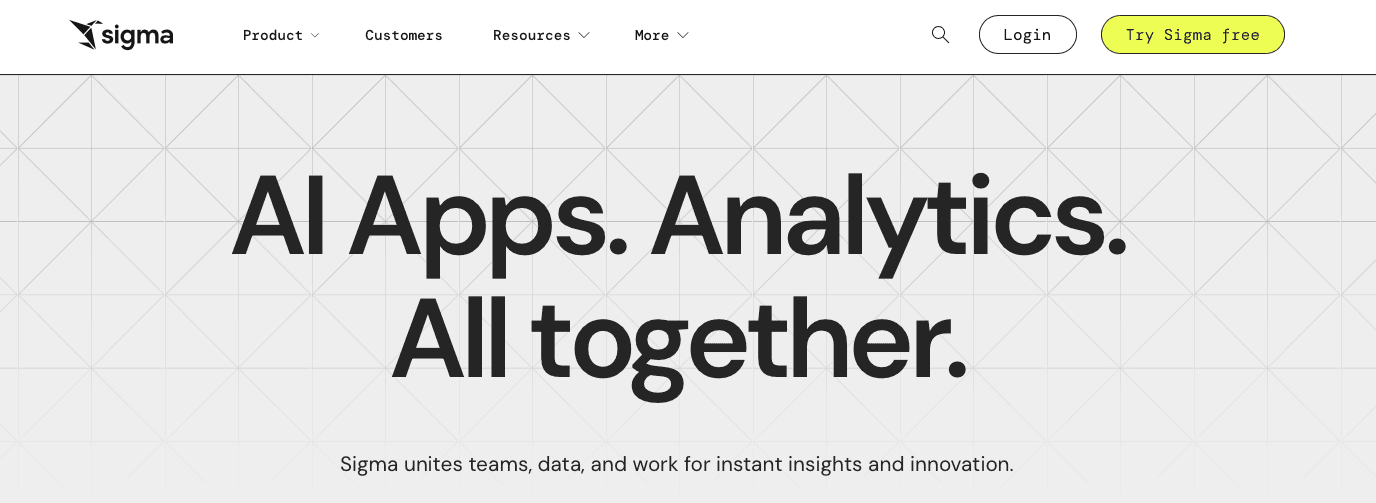
Sigma Computing targets the specific gap between Excel limitations and SQL complexity. Unlike legacy BI that requires complex ETL pipelines, Sigma connects directly to your cloud warehouse, like Snowflake, BigQuery, Databricks, and Redshift.
The interface mimics a standard spreadsheet. However, every filter or pivot generates optimized SQL in the background. This allows non-technical users to analyze billions of rows without writing code. It functions as a UI layer for your warehouse instead of a separate storage engine.
Key features
Spreadsheet-like UI that auto-generates SQL against cloud warehouses (Snowflake, BigQuery, Redshift, Databricks).
Live querying model so dashboards and workbooks stay in sync with warehouse data.
Good for: Teams with a well-modeled cloud warehouse and spreadsheet-heavy workflows that want live, in-warehouse analysis without teaching most users SQL.
Limitation: Live queries can drive up compute bills on Snowflake or BigQuery, and spreadsheet-style semantics plus limited modeling workflows frustrate technical users on larger, messier schemas.
Bottom line: Sigma is a strong fit when you already have clean warehouse models and business users who love spreadsheets, but its live query architecture and modeling constraints push many teams to use alternatives as scale and complexity grow.
Why Consider Sigma Computing Alternatives?
The brutal truth: Sigma works if you have a pristine cloud warehouse and a team addicted to spreadsheets. For everyone else, the "live query" model introduces specific friction points that drive teams toward sigma computing alternatives.
Hidden Costs: Sigma pushes every calculation to the warehouse. When five users filter a dashboard, your Snowflake or BigQuery bill spikes. Sigma computing reviews confirm this often leads to higher compute resource consumption compared to cached solutions.
The Spreadsheet Ceiling: It looks like Excel, but it doesn't act like it. Users quickly encounter a limited number of functions, while engineers struggle with non-existent workflows for moving work between staging and production.
Rigid Infrastructure: You must use a cloud data warehouse. If you rely on on-premise solutions or legacy SQL, you are locked out.
Analyst Frustration: The grid view is fine for basics, but technical teams find it lacks the power and flexibility required for deep modeling found in other cloud analytics tools.
Best Sigma Computing Alternatives in January 2026
The spreadsheet metaphor has a ceiling. If you feel that limit, you need a different approach. The following alternatives range from AI data analysts to code-heavy notebooks, ranked by their ability to deliver insights without the friction.
Index (Best Overall Alternative)
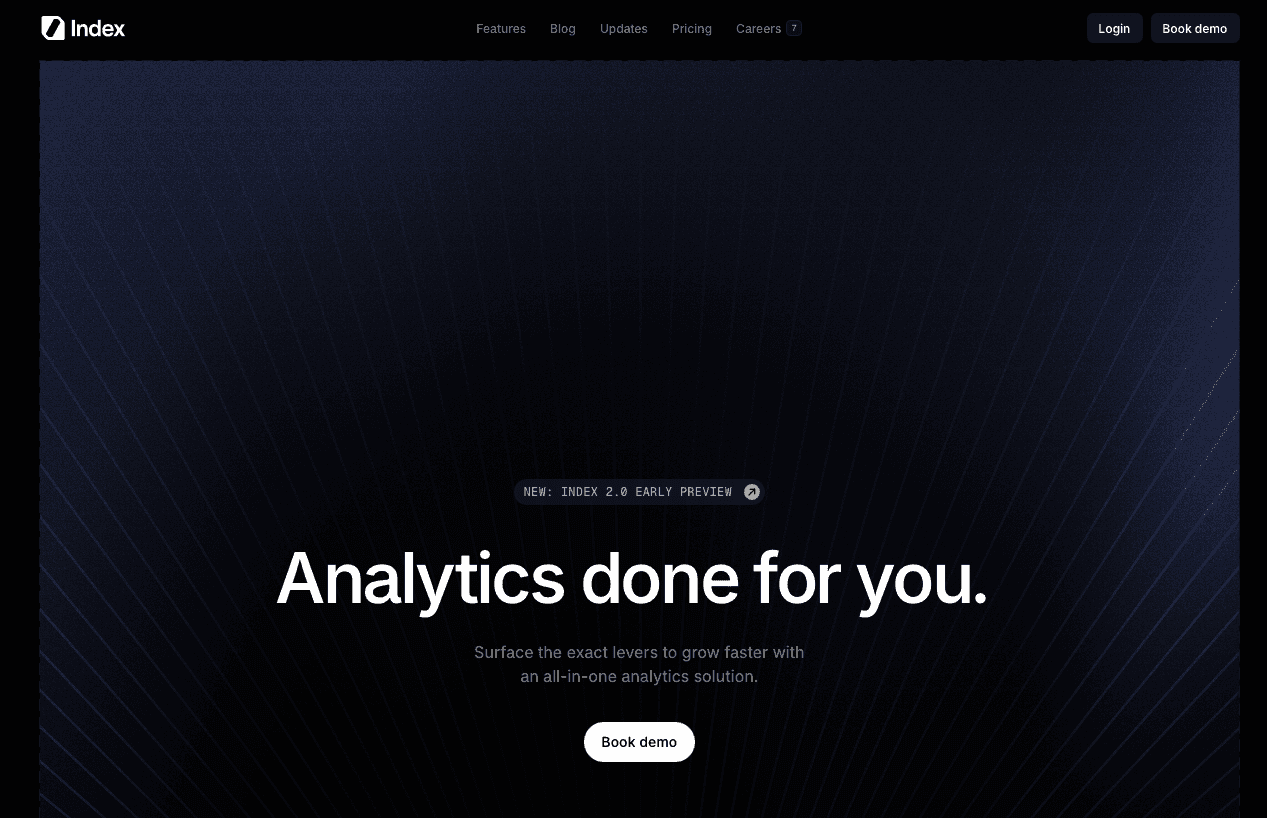
We built Index because business intelligence shouldn't require a master's degree in DAX. While Sigma mimics Excel behavior in the cloud, Index functions as an autonomous AI data analyst. You ask questions in plain English using natural language queries. The system handles the SQL, visualization, and modeling instantly.
Key features
Natural language querying that produces SQL and visualizations automatically over warehouses and SaaS tools.
Visual explorer and semantic layer so data teams define metrics once while business users self-serve safely.
Good for: Tech-driven companies with lean data teams that need fast, trustworthy answers for non-technical users without investing in heavy semantic modeling or spreadsheet training.
Limitation: Best suited to organizations comfortable adopting an AI-driven interface and central semantic layer; teams wanting a pure spreadsheet replica may need enablement to fully switch workflows.
Bottom line: Index gives you the power of a modern warehouse plus AI-driven analysis without the spreadsheet ceiling or live-query cost spikes, letting non-technical users ask questions in plain English while data teams retain control over logic.
ThoughtSpot
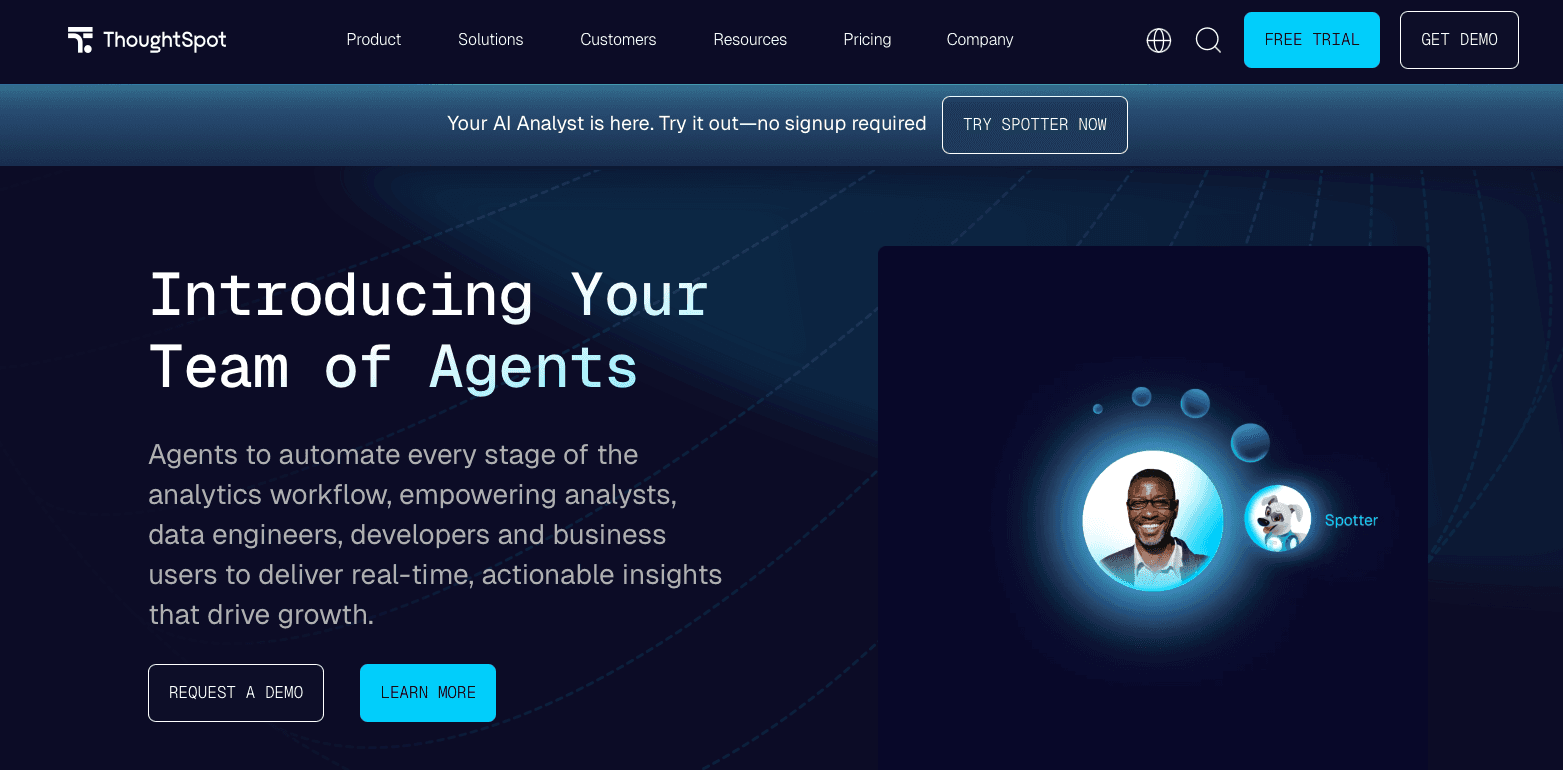
ThoughtSpot focuses on search-driven analytics, allowing users to type questions into a search bar that translates into queries and charts over curated data models. It works best on carefully modeled, clean datasets where relationships, synonyms, and business terminology are explicitly defined.
Key features
Search-style interface that turns typed questions into analytical queries and visualizations.
Strong support for governed, curated datasets and enterprise deployments.
Good for: Enterprises with a lot of data engineering capacity that can invest in curating “pristine” warehouse models and business vocabularies to power search.
Limitation: Requires a lot of upfront modeling and ongoing curation; messy schemas or rapidly evolving models often lead to poor search results and frustrated business users.
Bottom line: ThoughtSpot is powerful when you can afford the engineering to prepare perfect datasets, but teams needing to work quickly with imperfect, changing data often find AI-led tools like Index more forgiving
Hex
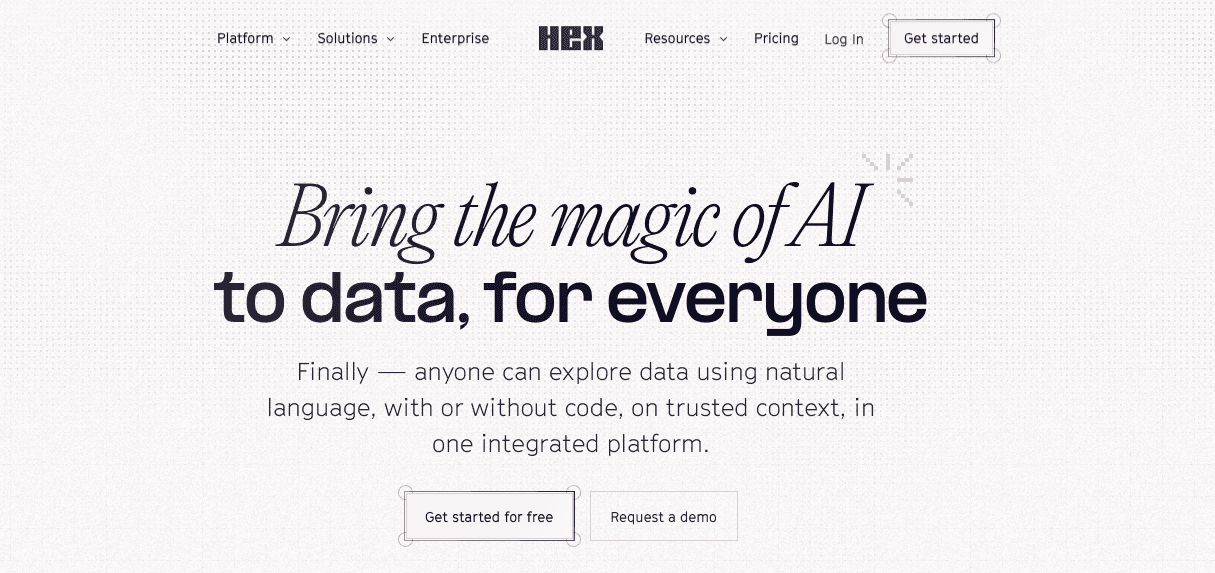
Hex combines SQL, Python, and notebooks into a collaborative analytics workspace, giving data scientists and analysts a code-friendly environment with rich output and app-style sharing. Teams use Hex to run complex models, share analyses, and expose parameterized apps while staying close to the code.
Key features
Notebook-style interface that blends SQL, Python, and visual cells for advanced analysis.
Collaboration and app publishing so technical work can be shared as lightweight internal tools.
Good for: Data teams that live in code and want a modern notebook environment for analytics and lightweight internal apps.
Limitation: Leaves most non-technical users behind; business stakeholders typically need an analyst intermediary to create and modify content.
Bottom line: Hex is excellent for code-heavy teams, but it recreates the analyst bottleneck that AI-first tools like Index aim to remove by letting everyone ask questions directly.
Preset
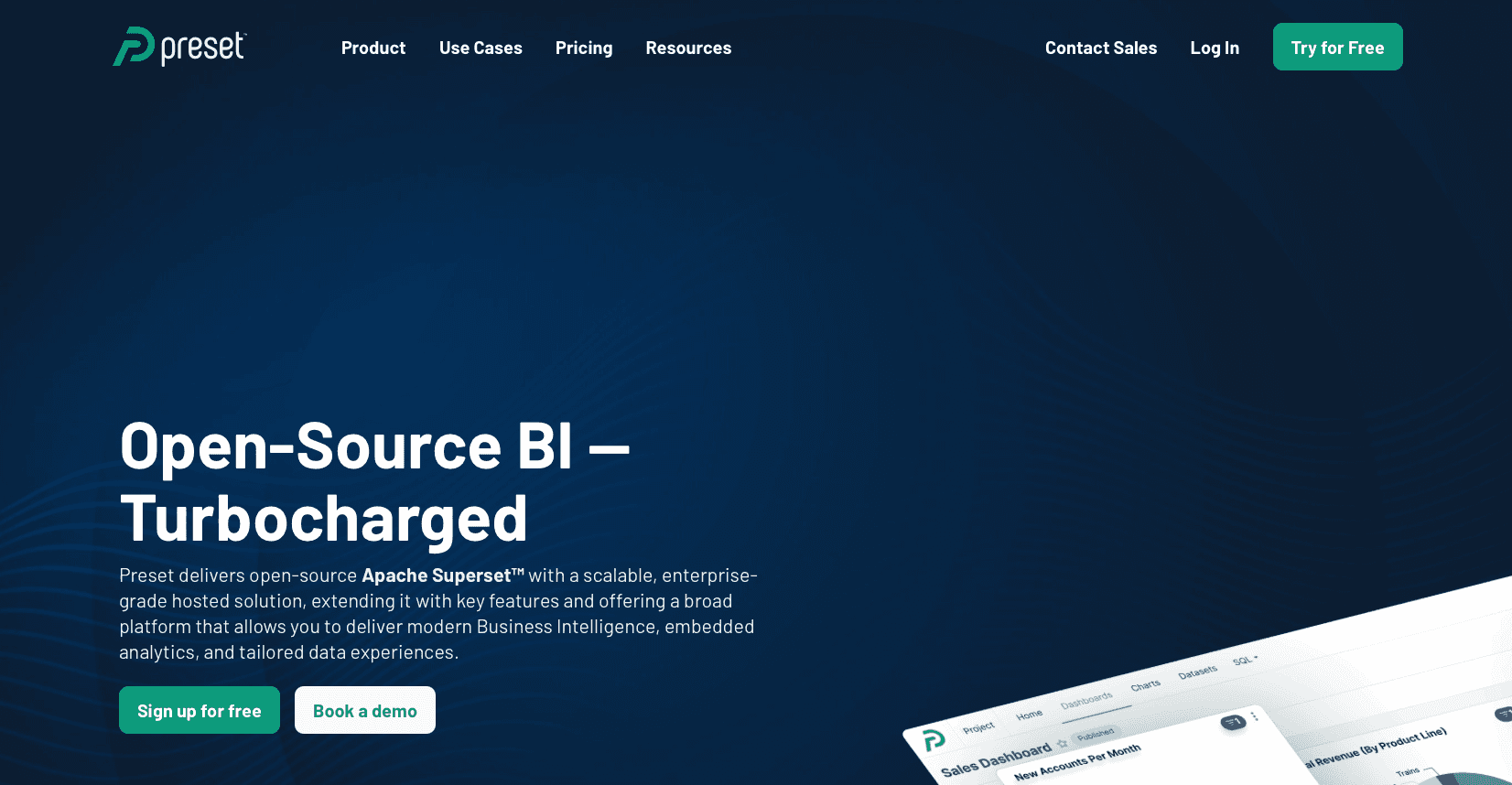
Preset is a managed service for Apache Superset, providing hosted dashboards and visual exploration without teams having to run Superset themselves. It focuses on SQL-powered chart building and dashboarding over existing databases and warehouses.
Key features
Hosted Superset environment with SQL-based chart creation and dashboards.
Self-host and cloud options for teams wanting flexibility around deployment.
Good for: Engineering-centric teams that want a managed Superset experience and are comfortable defining metrics and joins directly in SQL.
Limitation: Can feel rigid for complex, cross-table visuals and generally requires SQL proficiency to define metrics and datasets, limiting true self-service for business users.
Bottom line: Preset is a solid visualization layer for engineers, whereas Index acts more like an intelligence engine that abstracts SQL and modeling complexity for the broader business.
Metabase
Metabase is a popular open-source BI tool often used as a first analytics layer for startups thanks to its simple UI and easy deployment. It offers basic query builders, dashboards, and some self-service capabilities on top of relational databases and warehouses.
Key features
Simple visual query builder and dashboarding over common databases.
Open-source core with a hosted cloud option for teams that prefer managed infrastructure.
Good for: Early-stage teams needing quick, low-friction reporting and basic dashboards without a lot of license costs.
Limitation: Runs into limitations on complex modeling, governance, and deeper analytics as organizations scale, making it harder to support true enterprise-wide self-service.
Bottom line: Metabase is great as a starter BI layer, but growing teams usually graduate to tools like Index to get AI-powered analysis, stronger semantics, and more scalable self-service.
Feature Comparison: Sigma Computing vs Top Alternatives
Marketing fluff blurs reality. Features don't. Here is the brutal breakdown of how the top sigma computing alternatives compare against the incumbent.
Feature | Sigma Computing | Index | ThoughtSpot | Hex | Preset | Metabase |
|---|---|---|---|---|---|---|
Natural Language Querying | No | Yes | Yes (Search) | Limited (AI) | No | No |
Cloud Data Warehouse Integration | Yes | Yes | Yes | Yes | Yes | Yes |
Spreadsheet Interface | Yes | No | No | No | No | No |
Visual Query Builder | Yes | Yes | Limited | No | Yes | Yes |
SQL Editor | Yes | Yes | Limited | Yes | Yes | Yes |
Pre-Built Metrics | Limited | Yes | No | No | No | No |
Customer-Facing Dashboards | Yes | Yes | Yes | Limited | Limited | Yes |
Real-Time Collaboration | Yes | Yes | Yes | Yes | Yes | Limited |
Code-First Notebooks | No | No | No | Yes | No | No |
On-Premise Deployment | No | No | Yes | No | Yes (Self-host) | Yes (Self-host) |
Why Index is the Best Sigma Computing Alternative
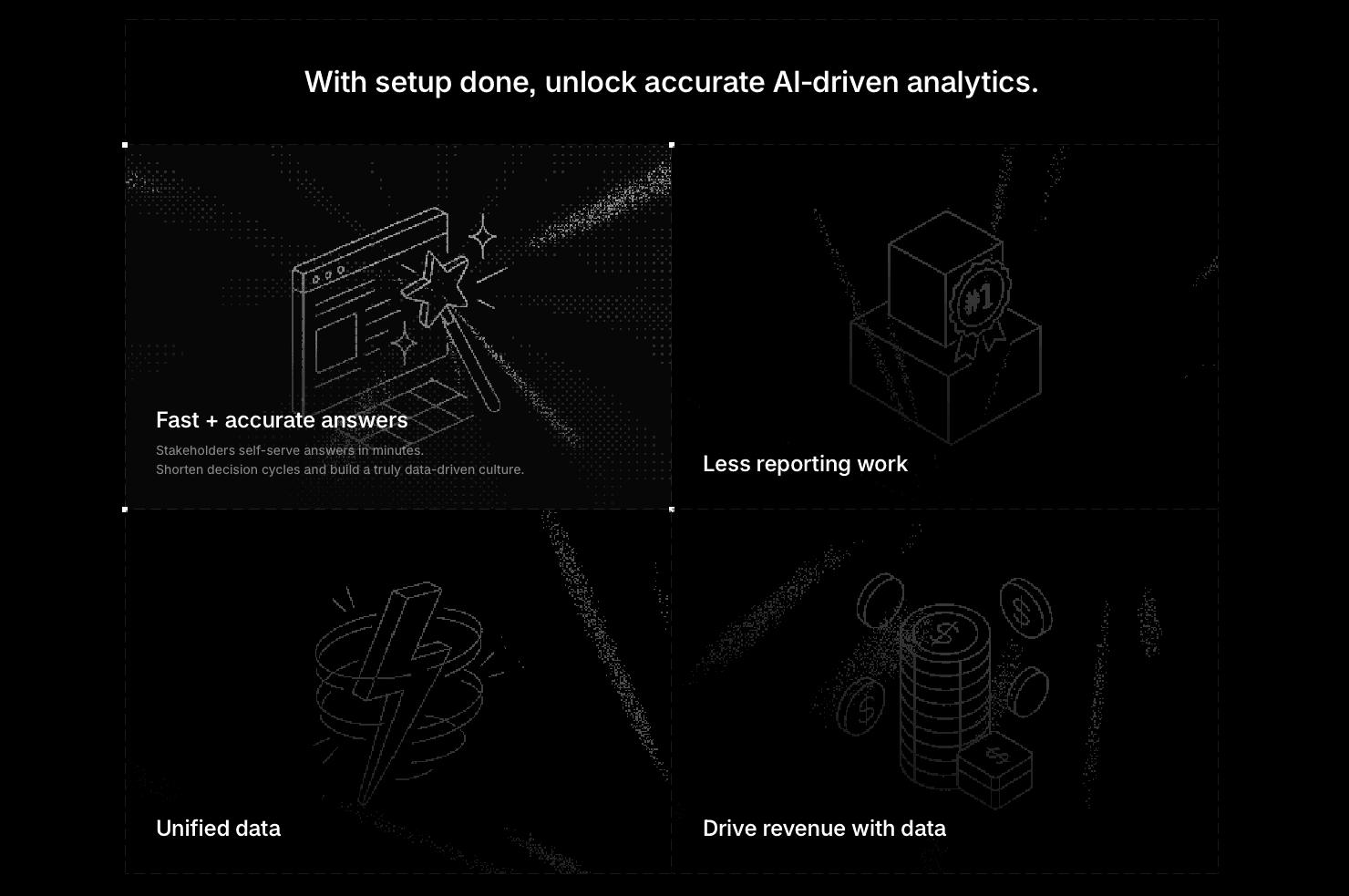
Sigma operates on a flawed premise. It assumes your business users want to learn data modeling. The brutal truth is that they don't. They want answers. Sigma offers a spreadsheet UI, but it forces non-technical staff to understand joins, parent-child relationships, and complex formula syntax. If users cannot model the data, they cannot use the tool.
Index takes a different path. We use AI to eliminate the modeling layer. You do not build a pivot table manually. You simply type "show me monthly recurring revenue by cohort" into the chat. Our engine understands the intent, generates the SQL, and visualizes the result.
Adoption happens in minutes because natural language is the interface.
Data teams stop answering basic ad-hoc questions.
Insight loops close immediately.
Then there is the cost. Sigma's live query architecture pushes heavy compute load to your warehouse for every filter change. Your Snowflake costs pay the price. Index optimizes these queries to keep compute predictable. We also handle external sharing differently. Index provides white-labeled embedded dashboards with strict data isolation out of the box. If you want a spreadsheet, use Excel. If you want a data copilot that actually scales, use Index.
Final Thoughts on Sigma and Other BI Tools
Your choice comes down to how your team actually works. Sigma gives you a familiar spreadsheet interface but pushes compute costs to your warehouse. Index takes a different path by using AI to generate the analysis for you, which means faster answers and lower friction. Compare sigma pricing against what you actually need, and pick the tool that fits your workflow.
FAQs
Why should you consider moving away from Sigma Computing?
Sigma's live query model pushes every calculation to your warehouse, which spikes compute costs on Snowflake or BigQuery. Teams also hit friction when they need more than basic spreadsheet functions or when they're running on-premise infrastructure that Sigma doesn't support.
What features should you focus on when comparing cloud analytics alternatives?
Look for tools that balance accessibility with power: natural language querying for business users, direct warehouse connectivity to avoid data duplication, and pre-built metrics that accelerate time-to-value. Also check whether the tool optimizes queries to control compute costs instead of passing every operation to your warehouse.
How long does it take to set up Index compared to Sigma Computing?
Index connects to your data sources in minutes and users can start asking questions immediately through natural language. Sigma requires upfront work defining relationships and teaching users the spreadsheet interface, which typically takes days to weeks before teams see value.
When does it make sense to switch from a spreadsheet-based BI tool?
If your team is spending hours building manual pivot tables, waiting on analysts to answer basic questions, or seeing warehouse costs climb from repetitive queries, you've outgrown the spreadsheet model. The switch makes sense when you need instant answers without the modeling overhead.
Can Index handle both technical and non-technical users on the same software?
Yes. Non-technical users ask questions in plain English and get instant visualizations, while data engineers can audit the generated SQL, use the built-in SQL editor, or work through the visual explorer. Both workflows query the same semantic layer, so everyone works from consistent metric definitions.