Productivity
Mode Analytics Reviews, Pricing, and Alternatives (January 2026)
Mode Analytics reviews show SQL barriers block self-service. Compare pricing ($6K-$50K+) and alternatives like Index, ThoughtSpot, Sigma in January 2026.

Long gone are the days when only your data team needed to touch analytics. Mode was built for SQL experts, and it still assumes everyone on your team can write queries. Mode Analytics reviews confirm the pattern: analysts love the notebook environment, but business users can't self-serve. If you need collaborative analytics that works for both technical and non-technical teammates, we'll show you what to look for in Mode alternatives and what Mode's hidden pricing actually means for your budget.
TLDR:
Mode Analytics requires SQL for every query, blocking non-technical users from self-service.
Mode pricing starts around $6,000 and can exceed $50,000 for limited accessibility.
Alternatives like ThoughtSpot demand weeks of setup; Hex and Preset keep the SQL barrier.
Index delivers AI-powered querying in plain English plus SQL for technical users in one tool.
Index powers real-time multiplayer collaboration and connects to warehouses in minutes.
What is Mode Analytics and How Does It Work?
Mode Analytics is fundamentally a collaborative notebook for data teams. It is not a drag-and-drop tool for the average business user. Instead, it combines SQL, Python, and R into a single environment. The software assumes you know how to code and builds the entire experience around that skillset.
The workflow replaces the fragmented process of switching between a terminal, local Jupyter notebooks, and visualization tools:
Query: Analysts write SQL in a shared editor to pull raw data from the warehouse.
Analyze: Data pipes directly into a Python or R environment for statistical transformation.
Report: Analysts build visualizations on top of the query results to share with the org.
This design determines who can actually use the tool. Mode targets technical analysts at tech-driven companies. It simplifies reporting for people who already speak SQL, but it fails to solve accessibility for non-technical stakeholders.
If a sales leader needs a specific cut of data, they cannot self-serve. They must ask the data team to write the code. And, with data analysts spending 60-80% of their time writing and debugging SQL queries, being overly reliant on them can create some serious bottlenecks. While Mode makes them faster, the business dependency on data teams remains absolute.
Why Consider Mode Analytics Alternatives?
Mode delivers value if your team lives in code. For data scientists running regression models in R or Python, the notebook environment works. But for the rest of the organization, the learning curve is a vertical wall.
If a marketing manager wants to pivot a table or filter a view, they often cannot. They have to file a ticket, thereby creating a dependency loop where simple questions sit in a backlog waiting for an analyst.
Here are the primary friction points:
Opaque costs: Mode pricing is hidden, but reports suggest contracts start around $6,000 and can climb over $50,000. That is a steep price for a tool only a small percentage of staff can actually use.
Rigid visualization: While the backend is flexible, the frontend is strict.
Performance drag: Users report occasional performance issues, including UI glitches and slow dashboard refresh times during critical cycles.
Zero self-service: It lacks drag-and-drop simplicity and offers no natural language query capabilities. Every new question becomes a new engineering task.
Best Mode Analytics Alternative: Index
Index operates differently. It is an AI-powered BI tool where you ask questions in plain English and get charts or metrics in seconds. Mode forces you into SQL; Index lets both technical and non-technical teammates query data via chat, a visual explorer, or SQL. It all happens in one real-time collaborative workspace.
What they offer:
AI Querying: Interprets plain English questions without requiring SQL knowledge.
Multiplayer: Teammates see changes instantly as you build dashboards together.
Hybrid Interface: Visual explorer for point-and-click analysis alongside a full SQL editor.
Embedded Analytics: Customer-facing dashboards with white-labeling.
Fast Setup: Automatic schema detection with no upfront semantic modeling required.
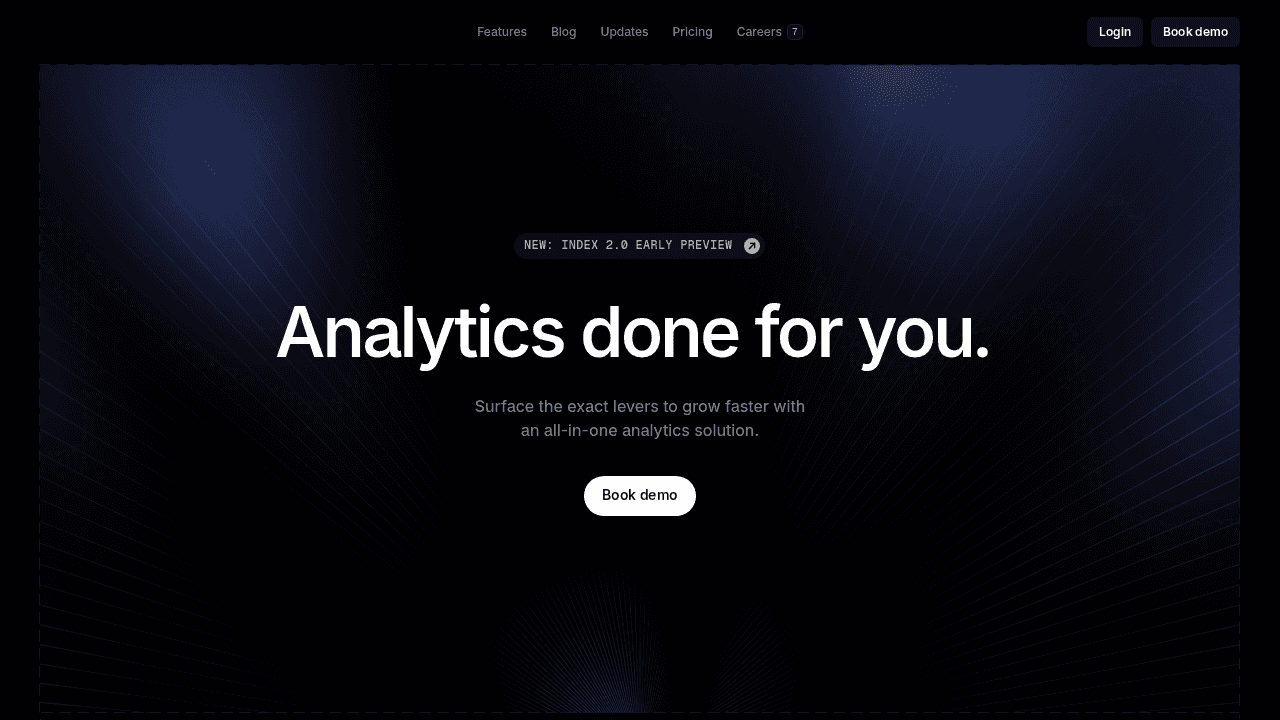
Good for: teams seeking fast, collaborative analytics without heavy SQL dependence, which is ideal for startups, product teams, and data-driven marketers.
Limitations: may not match the depth of customization or advanced modeling found in traditional enterprise BI platforms.
Bottom line: Index delivers the collaborative analytics Mode promises but removes the SQL barrier. You get the power of code-based BI with drastically faster time to insight.
ThoughtSpot
ThoughtSpot is a search-driven tool focused on keyword-based querying and AI-augmented insights.
What they offer:
Search bar interface with keyword matching.
SpotIQ for automated insight detection.
Enterprise governance controls.
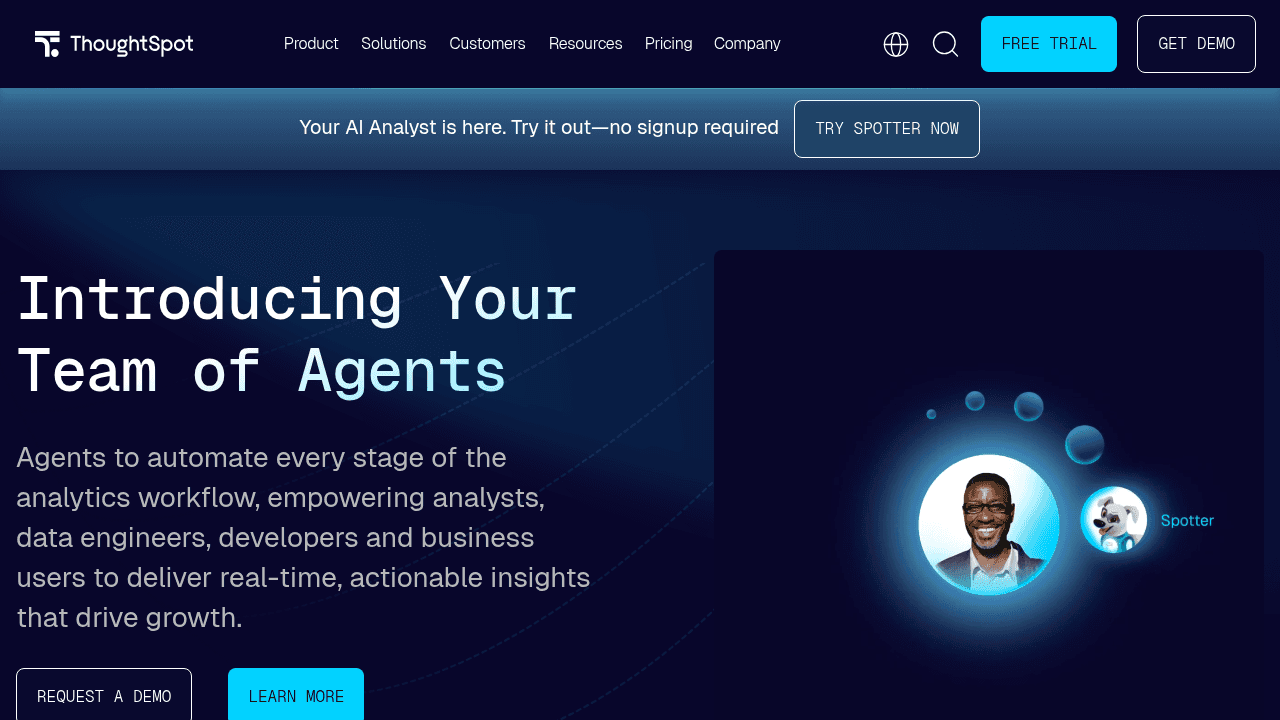
Good for: large enterprises with dedicated data teams that need governed, keyword-driven analytics and customizable data models.
Limitations: requires complex setup, heavy system resources, and training on proprietary query syntax before it becomes fully useful.
Bottom line: ThoughtSpot works if you have resources for extensive setup. Index delivers faster deployment without the semantic layer overhead.
Sigma Computing
Sigma Computing puts a spreadsheet interface on top of your cloud data warehouse (Snowflake, BigQuery, Redshift).
What they offer:
Spreadsheet interface with formulas.
Live query execution.
Native cloud architecture.
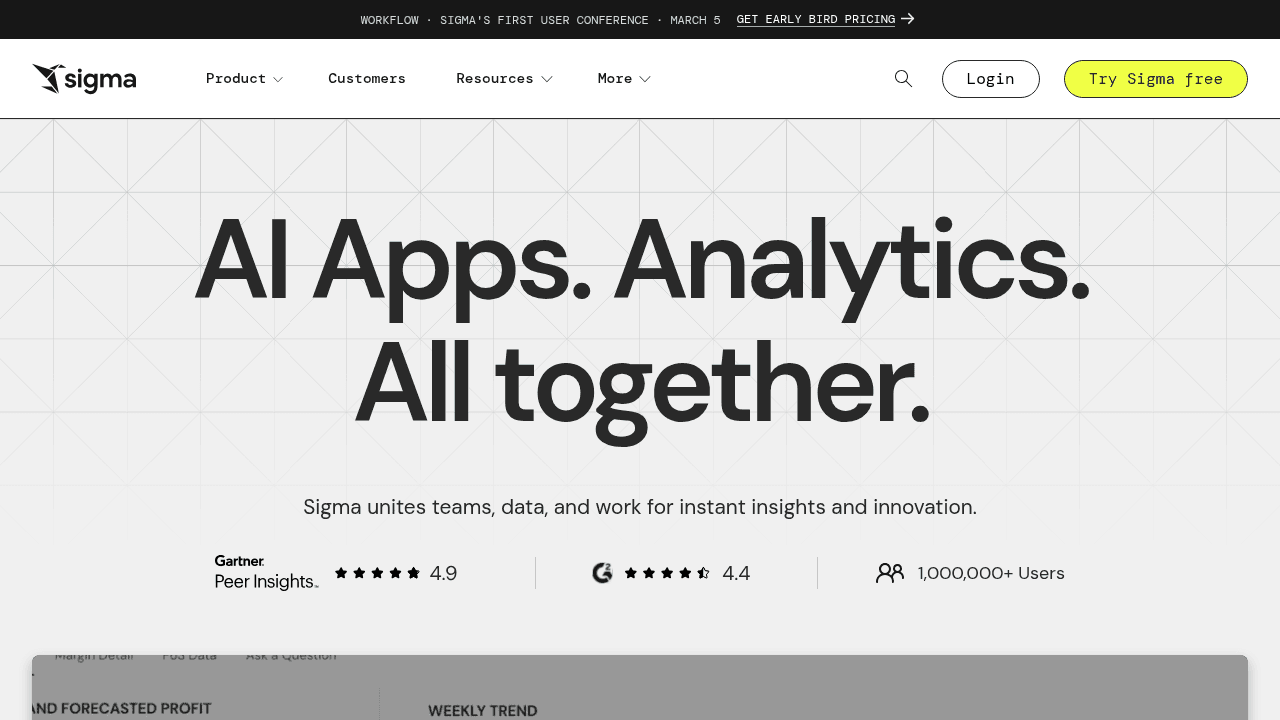
Good for: analysts and teams comfortable working in spreadsheets who want live, SQL-free access to cloud data warehouses.
Limitations: requires schema familiarity and spreadsheet proficiency; struggles with complex queries and less intuitive for non-analyst users.
Bottom line: Sigma suits spreadsheet-native analysts. Index accommodates diverse work styles like chat, visual, and SQL in one workspace.
Preset
Preset is the managed cloud version of Apache Superset, offering open-source SQL analytics.
What Preset offers:
Managed Apache Superset.
Extensive chart library.
SQL query interface.
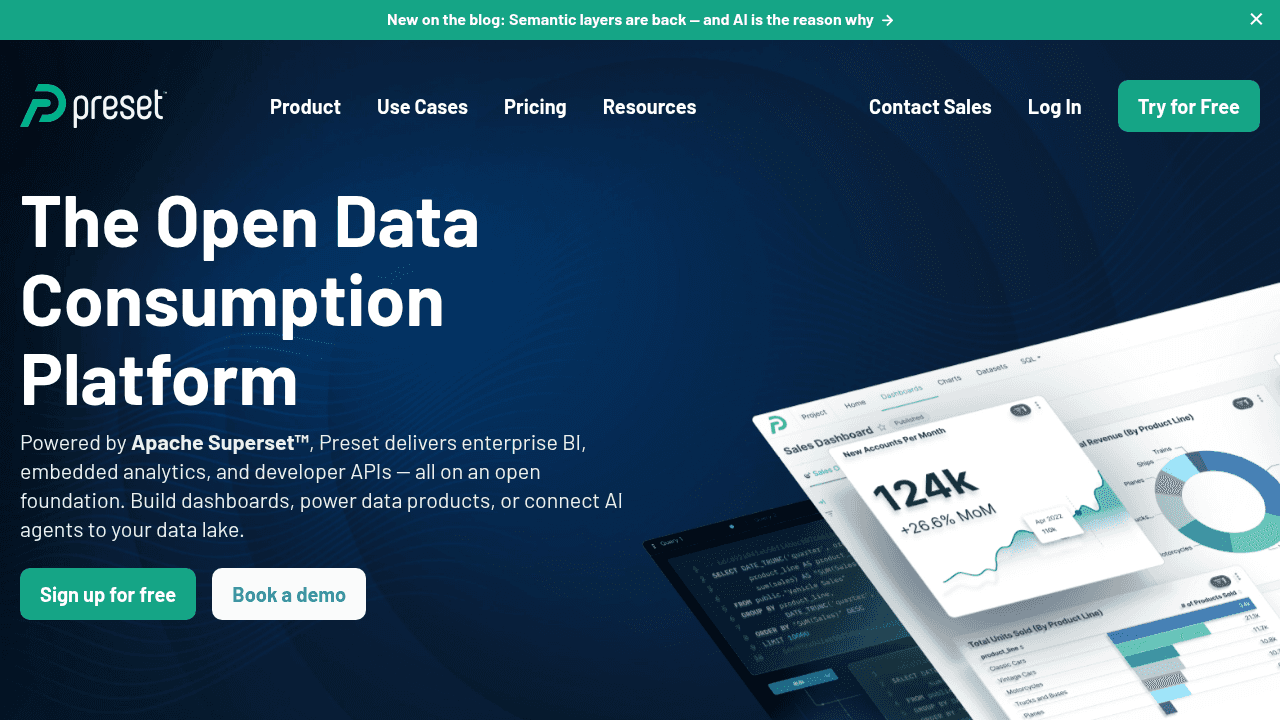
Good for: technical teams seeking a managed, open-source BI solution with full SQL control and strong visualization options.
Limitations: steep learning curve, manual data setup, and no AI or natural language features for non-technical users.
Bottom line: Preset delivers open-source power. Index provides faster exploration for non-technical users while still offering SQL for power users.
Hex
Hex combines notebooks, dashboards, and data apps in a collaborative workspace using Python and SQL.
What they offer:
Notebook-style interface.
Markdown-based dashboards.
Git integration.
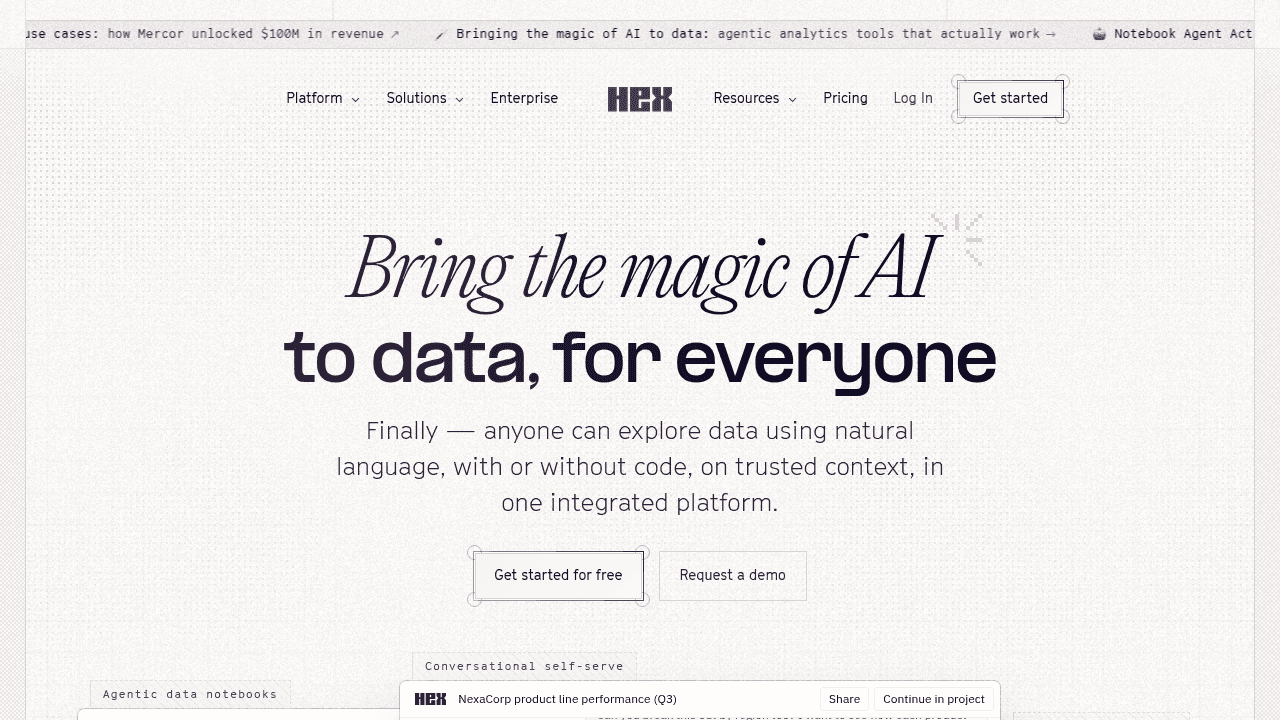
Good for: data and analytics teams working primarily in Python and SQL who need collaborative notebook-style workflows.
Limitations: excludes non-technical users; code-first design limits self-service insights and quick business questioning.
Bottom line: Hex excels at analyst-to-analyst collaboration. Index excels at analyst-to-business-user collaboration.
Metabase
Metabase is an open-source tool offering a no-code query builder alongside SQL capabilities.
What they offer:
Question builder for charts without SQL.
SQL editor for technical users.
Self-hosted options.
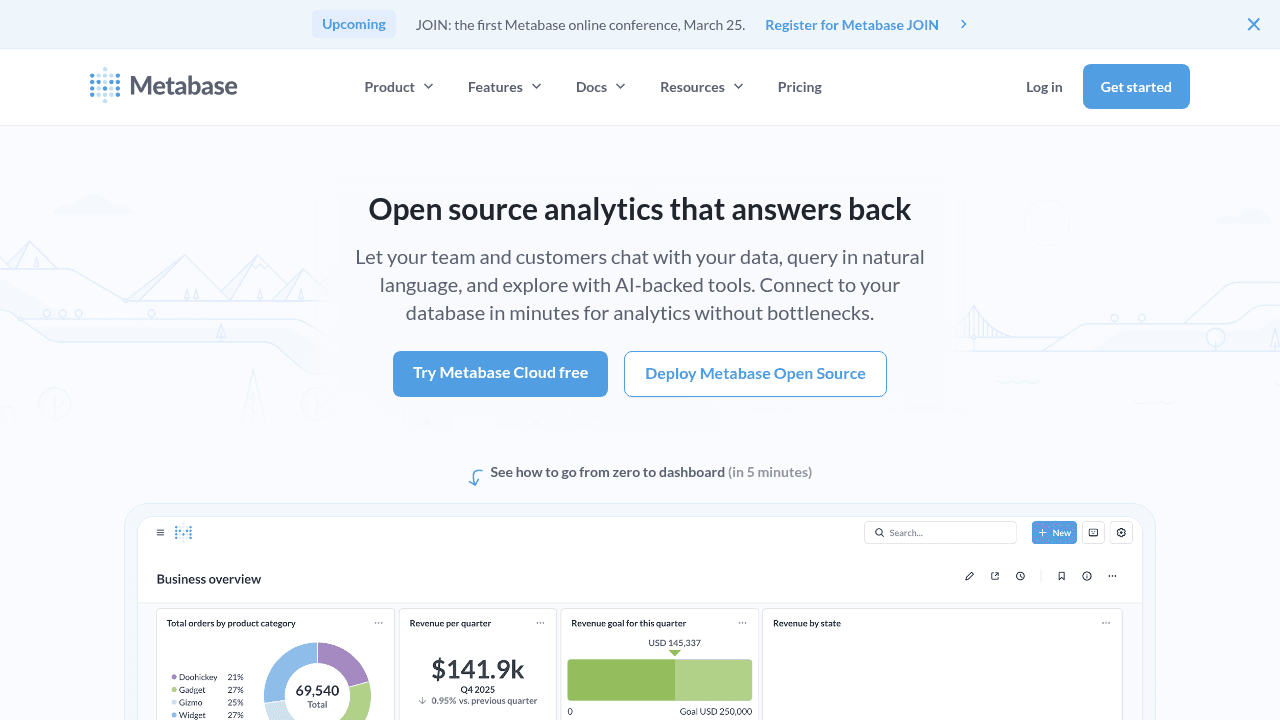
Good for: small teams seeking an affordable, open-source BI tool with basic no-code query building and SQL support.
Limitations: limited visualization flexibility, poor collaboration features, and struggles with complex queries.
Bottom line: Metabase offers simplicity at a low price. Index delivers similar ease of use but adds powerful features like real-time collaboration and embedded dashboards.
Feature Comparison: Mode Analytics vs Top Alternatives
Most tools force a tradeoff. You either get technical power (Mode, Hex) or limited simplicity (Metabase). Or you get stuck in implementation purgatory (ThoughtSpot).
The breakdown below shows exactly where each tool focuses engineering effort and where they cut corners.
Feature | Mode | Index | ThoughtSpot | Sigma | Preset | Hex | Metabase |
|---|---|---|---|---|---|---|---|
Text-to-Data | No | Yes | Keyword search | No | No | No | No |
SQL Editor | Yes | Yes | Yes | Formula-based | Yes | Yes | Yes |
Real-Time Collaboration | Basic | Yes (multiplayer) | No | Yes | No | Yes | No |
No-Code Visual Builder | Limited | Yes | No | Spreadsheet UI | No | No | Yes (basic) |
Python/R Notebooks | Yes | No (BI focused) | No | No | No | Yes | No |
Setup Time | Days | Minutes | Weeks | Days | Days | Days | Hours |
Learning Curve | High (SQL required) | Low | Medium | Medium | High | High | Low |
Pricing Model | Opaque | Simple per-seat | Opaque | Opaque | Mid-range | Mid-range | Free / Cloud |
Mode demands SQL. If you don't write code, you don't get answers. ThoughtSpot promises ease but demands weeks of semantic modeling first. Hex and Preset remain locked behind a technical wall.
Index breaks this pattern. It provides the SQL environment data teams demand but removes the barrier for everyone else. You skip the setup drag. You skip the Python requirement. You just ask questions and get data.
Why Index is the Best Mode Analytics Alternative
The brutal truth: Mode is a coding environment disguised as BI. If you write Python or SQL, it works. If you don't? You are stuck waiting for dashboards. The backlog grows. The insights die.
Index removes the technical gatekeeping. We combine three interfaces into one workflow so the tool adapts to the user, not the other way around:
Natural Language → Ask questions in plain English. The AI writes the query and charts the data instantly.
Visual Explorer → Drag, drop, and filter without seeing a single line of code.
SQL Editor → For when you need raw control, complex joins, or granular adjustments.
This hybrid approach kills the ad-hoc request loop. Product Managers do not file tickets to pivot a retention chart. They just ask Index. Analysis happens in seconds.
We also fixed the collaboration gap. Mode reports are often static links sent into the void. Index is multiplayer. You see team cursors on the dashboard. You edit metrics together in real-time. It functions like a collaborative document, not a rigid report.
Implementation respects your speed. No semantic modeling layers. No weeks-long setup. You connect your warehouse, whether Snowflake, BigQuery, or ClickHouse, and start querying immediately. You want the depth Mode offers without the technical wall. Index delivers code-based precision with actual self-service speed.
Final Thoughts on Selecting a Mode Analytics Alternative
Your BI tool should match your team, not force your team to match the tool. Mode assumes everyone codes, which creates bottlenecks for most orgs. Collaborative analytics tools like Index let you ask questions in English, explore visually, or write SQL depending on who you are. You skip the dependency loop and get answers when you need them.
FAQs
Why should you consider moving away from Mode Analytics?
Mode works well if your entire team writes SQL, Python, or R, but it creates a dependency bottleneck for non-technical stakeholders who need simple data cuts. If you're spending a lot of time fielding basic dashboard requests or your pricing has climbed above $50,000 annually for limited org-wide adoption, it's time to look into alternatives that offer self-service access.
What features should you prioritize when comparing Mode alternatives?
Look for tools that support multiple query methods (natural language, visual builders, and SQL) so different skill levels can self-serve. Real-time collaboration, fast setup without semantic modeling overhead, and transparent pricing are critical, especially if you need to democratize analytics beyond your data team.
How does Index differ from Mode's notebook-based approach?
Mode focuses on SQL/Python notebooks for technical analysts, while Index combines three interfaces in one workspace: AI-powered natural language queries, a visual drag-and-drop explorer, and a full SQL editor, so product managers can ask questions in plain English while data analysts retain code-level control, eliminating the request backlog.
When does a spreadsheet-style tool like Sigma make more sense than Index?
Sigma works best if your team thinks exclusively in spreadsheet formulas and you're comfortable requiring users to understand your data schema upfront. Index accommodates diverse work styles like conversational exploration, point-and-click analysis, or raw SQL, making it better suited for cross-functional teams with varying technical skills.
Can you migrate from Mode to Index without weeks of implementation?
Yes. Index connects directly to your cloud warehouse (Snowflake, BigQuery, Redshift, ClickHouse) with automatic schema detection, so you can start querying in minutes instead of weeks. There's no semantic layer to configure upfront, and you can bring over existing SQL queries while allowing non-technical users to ask questions immediately.